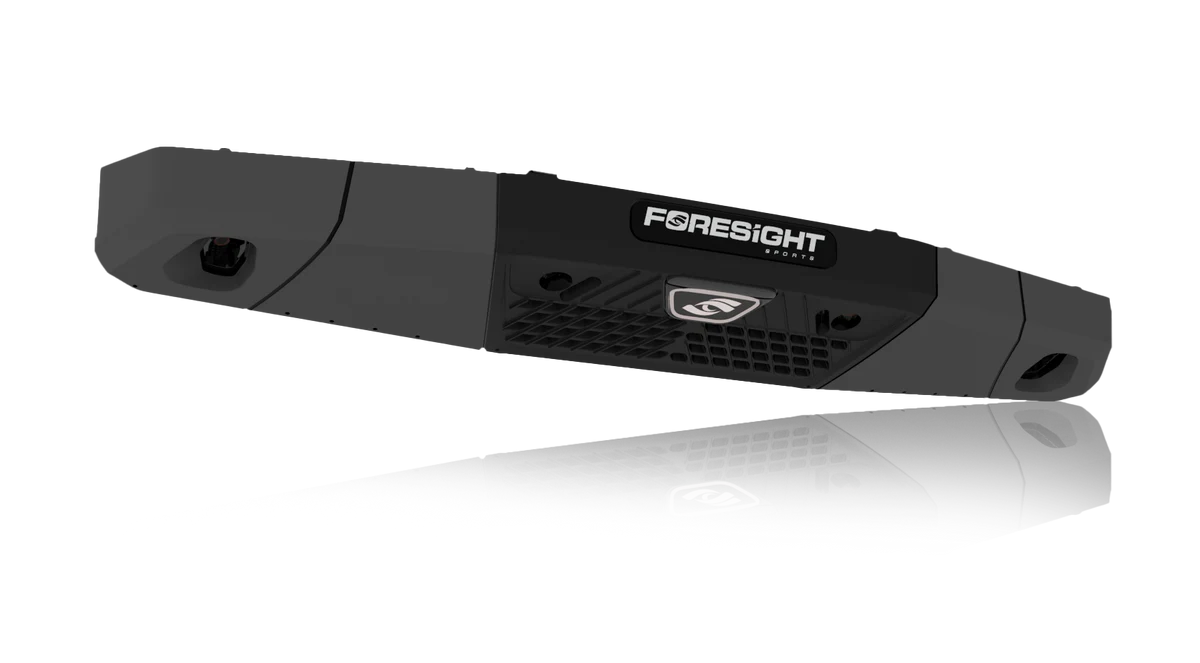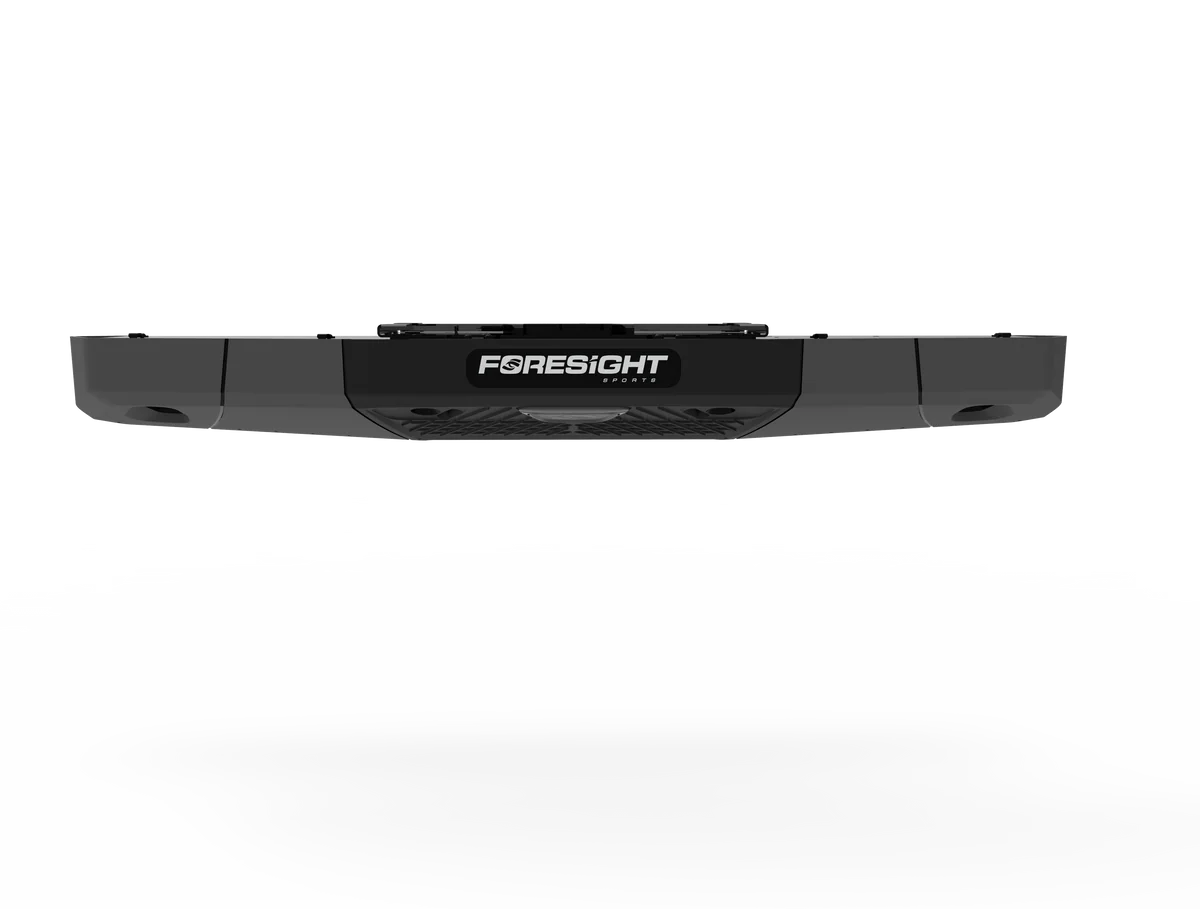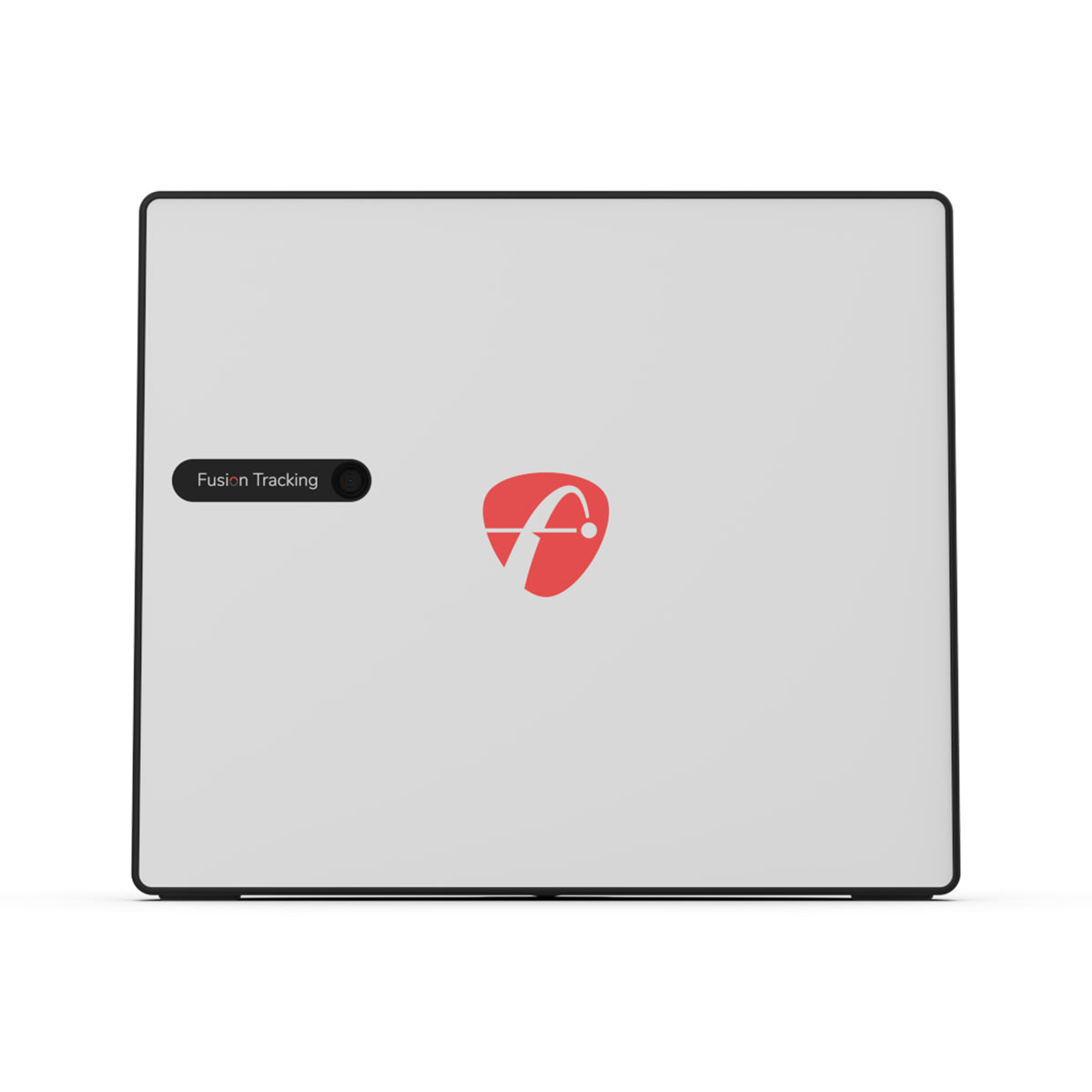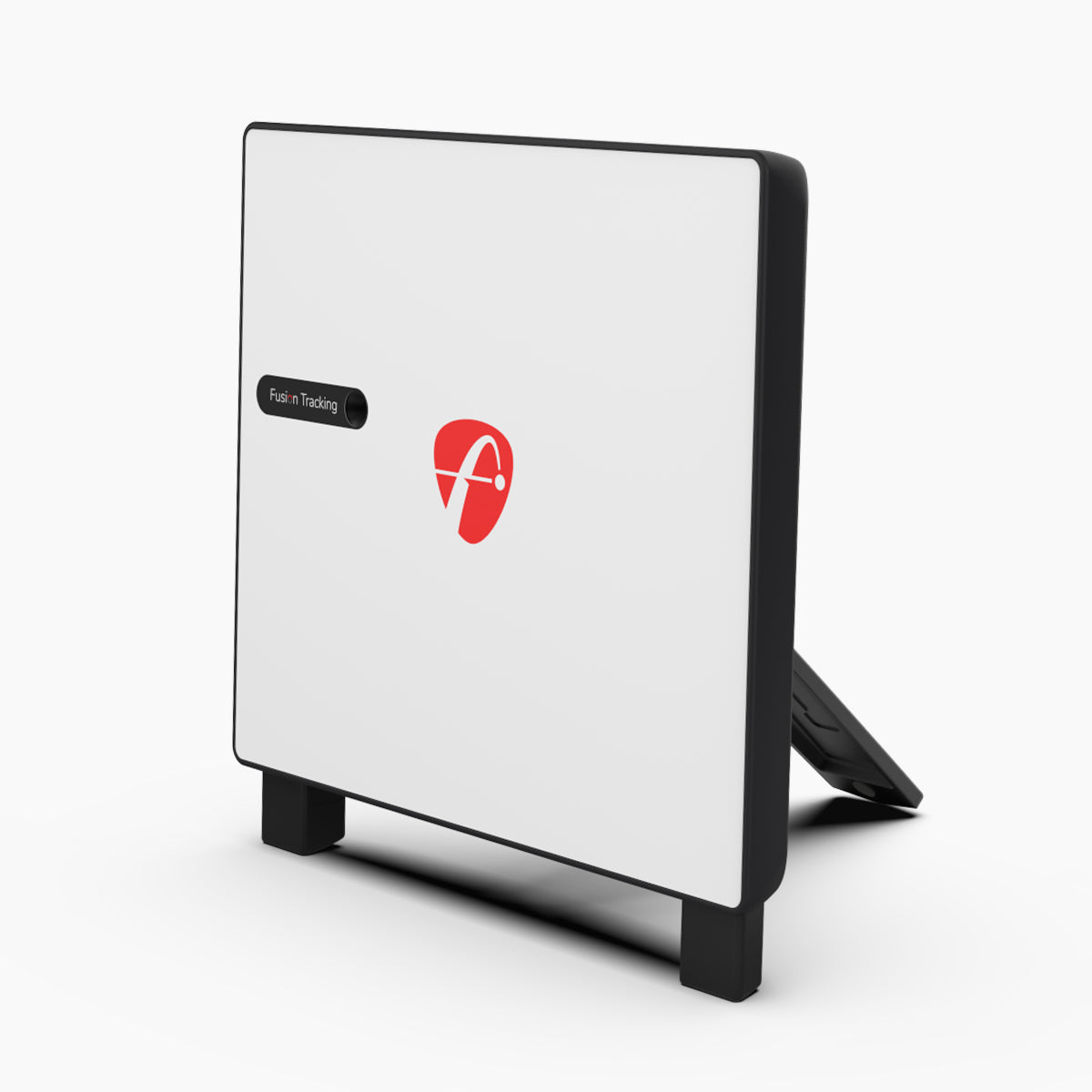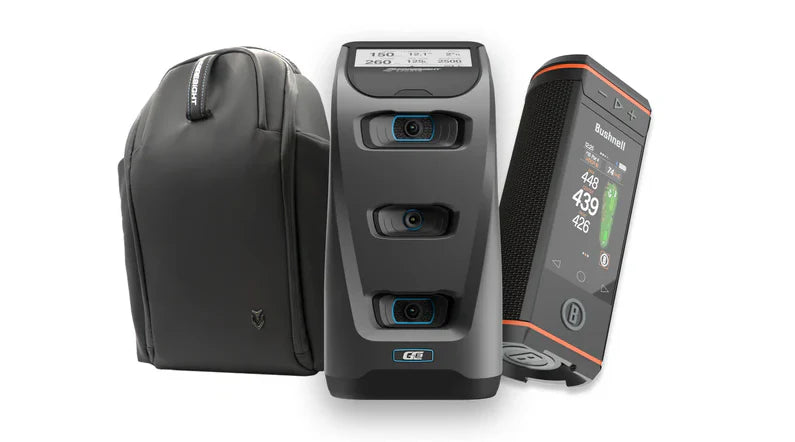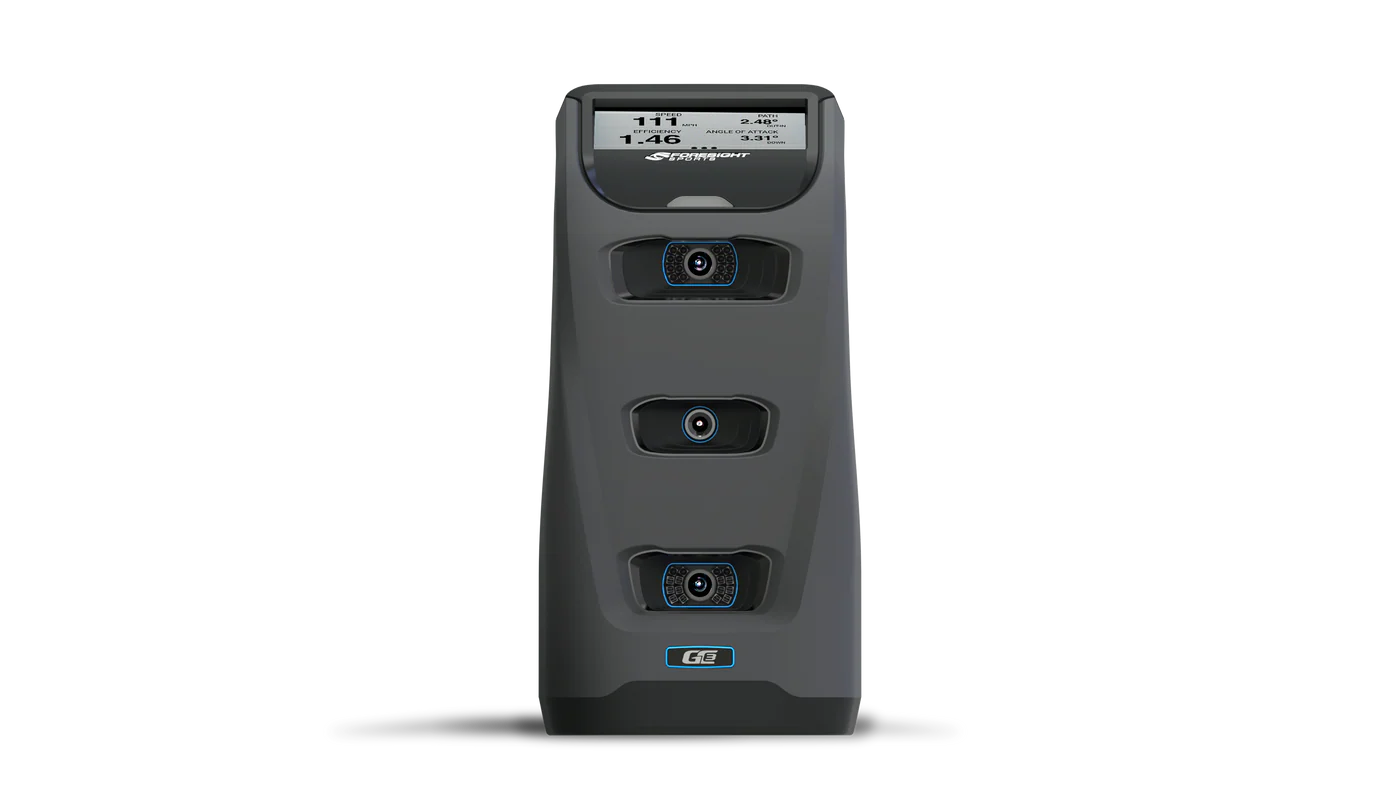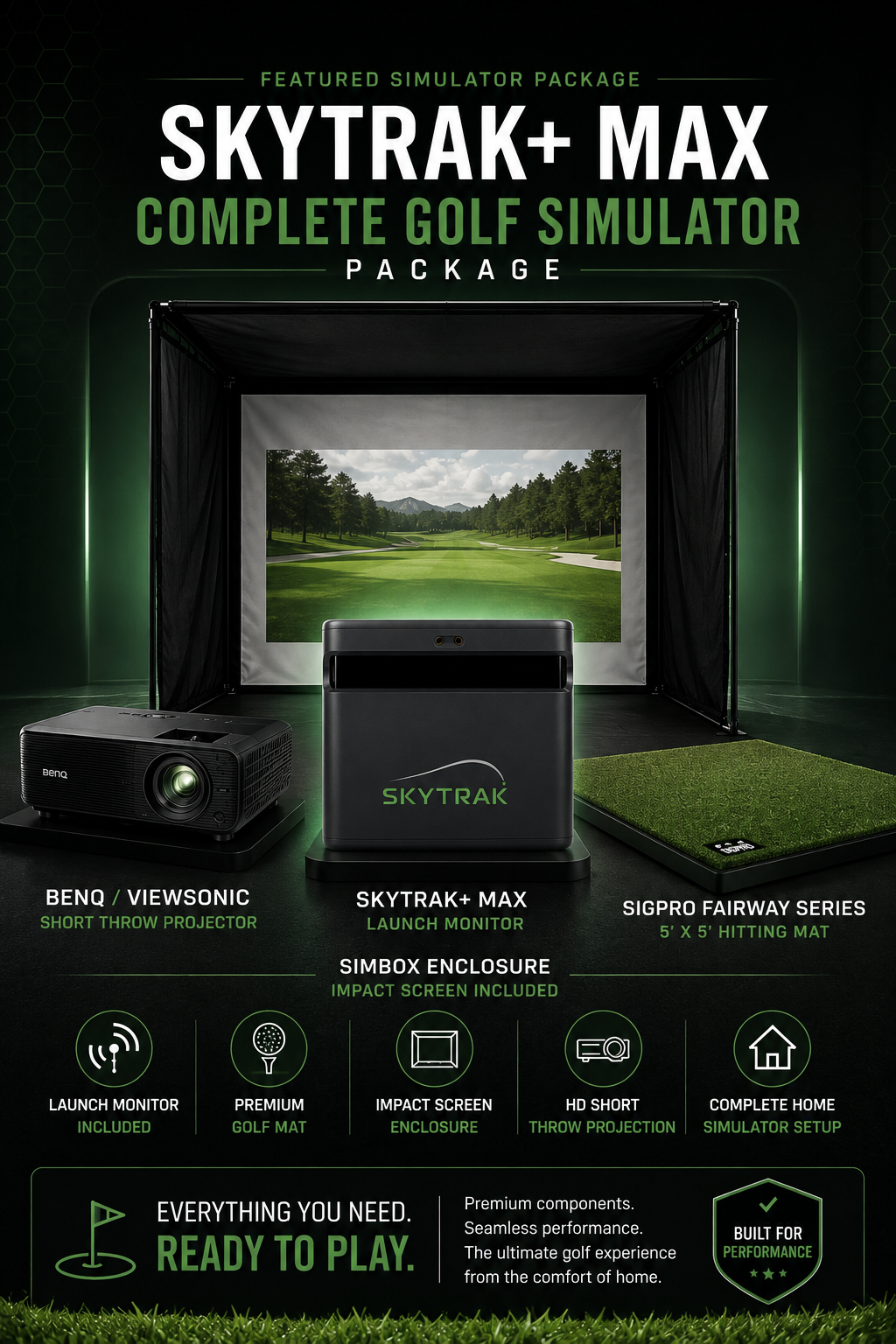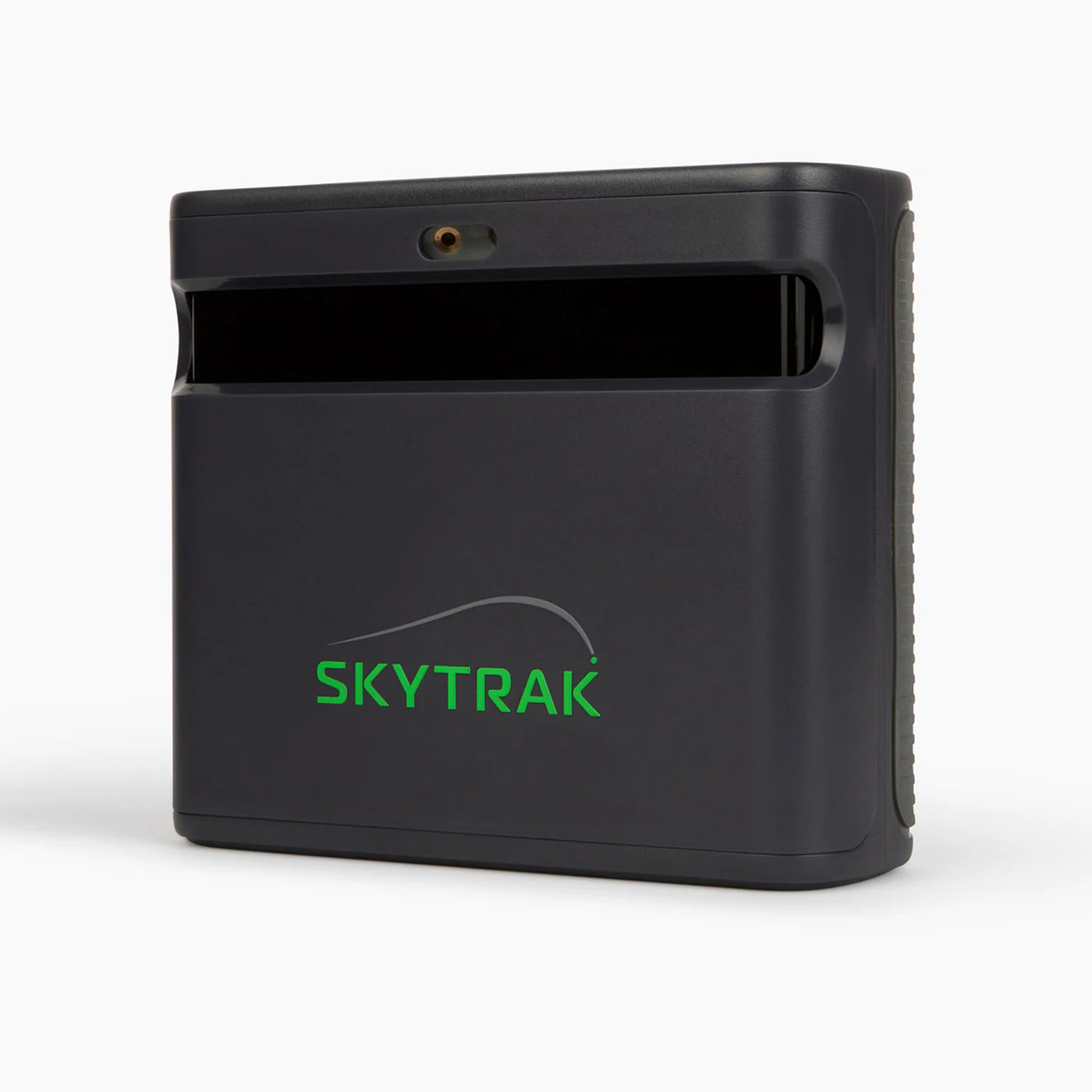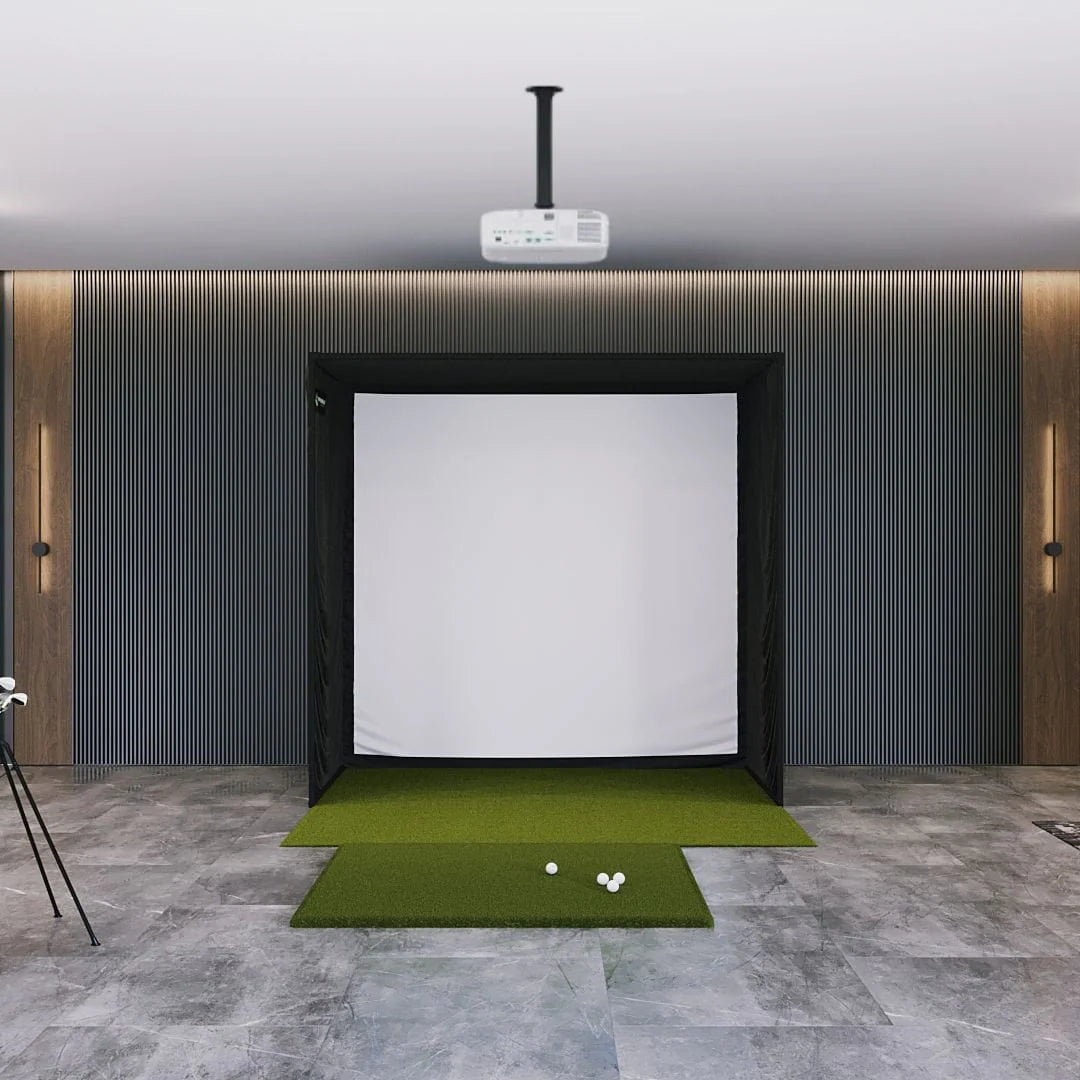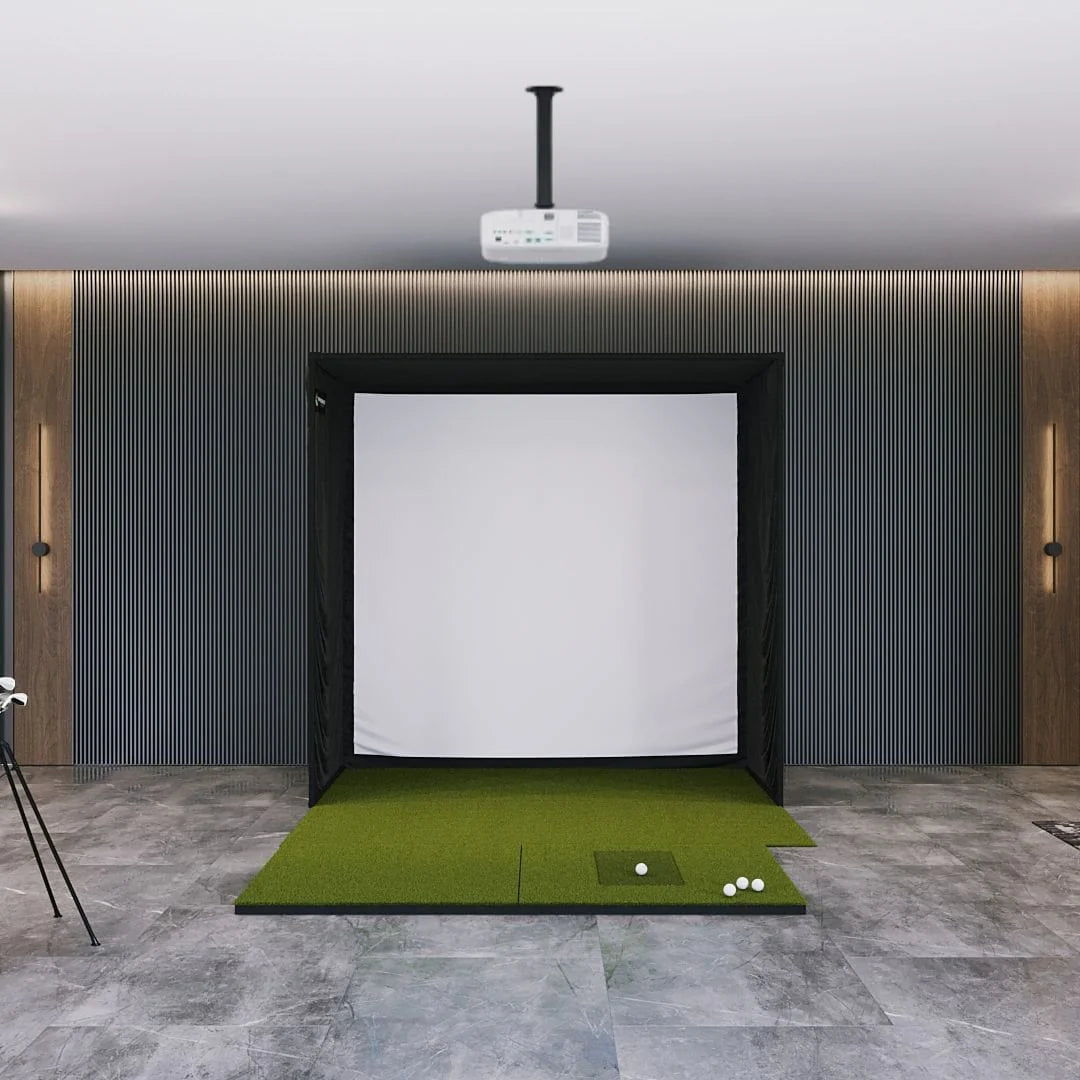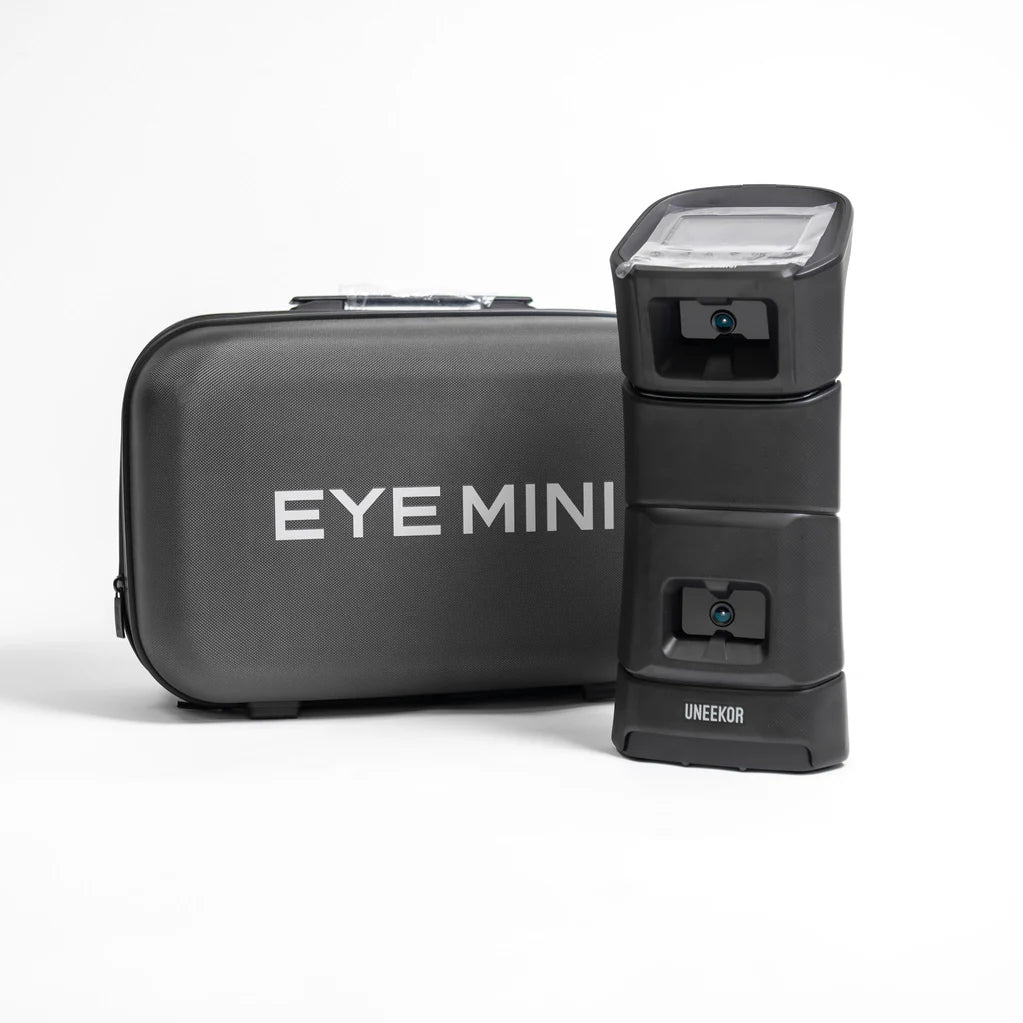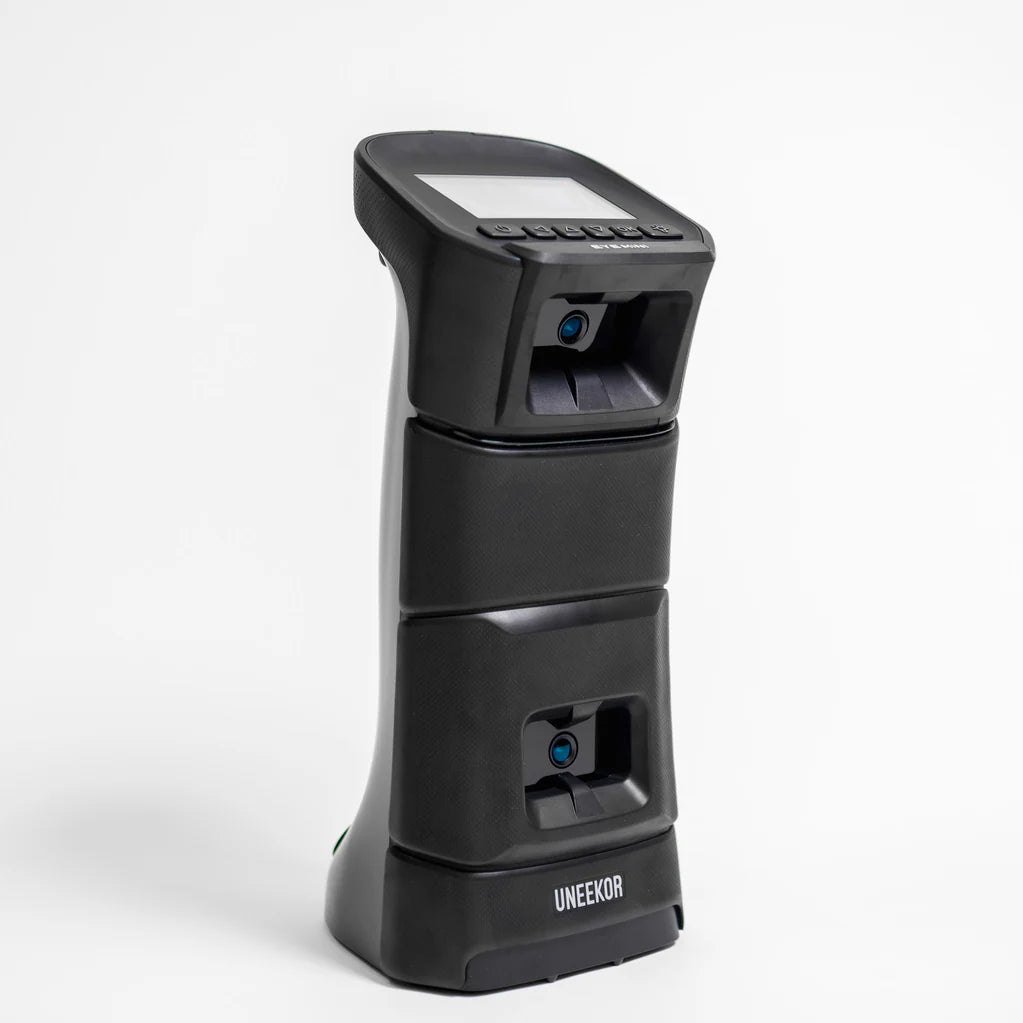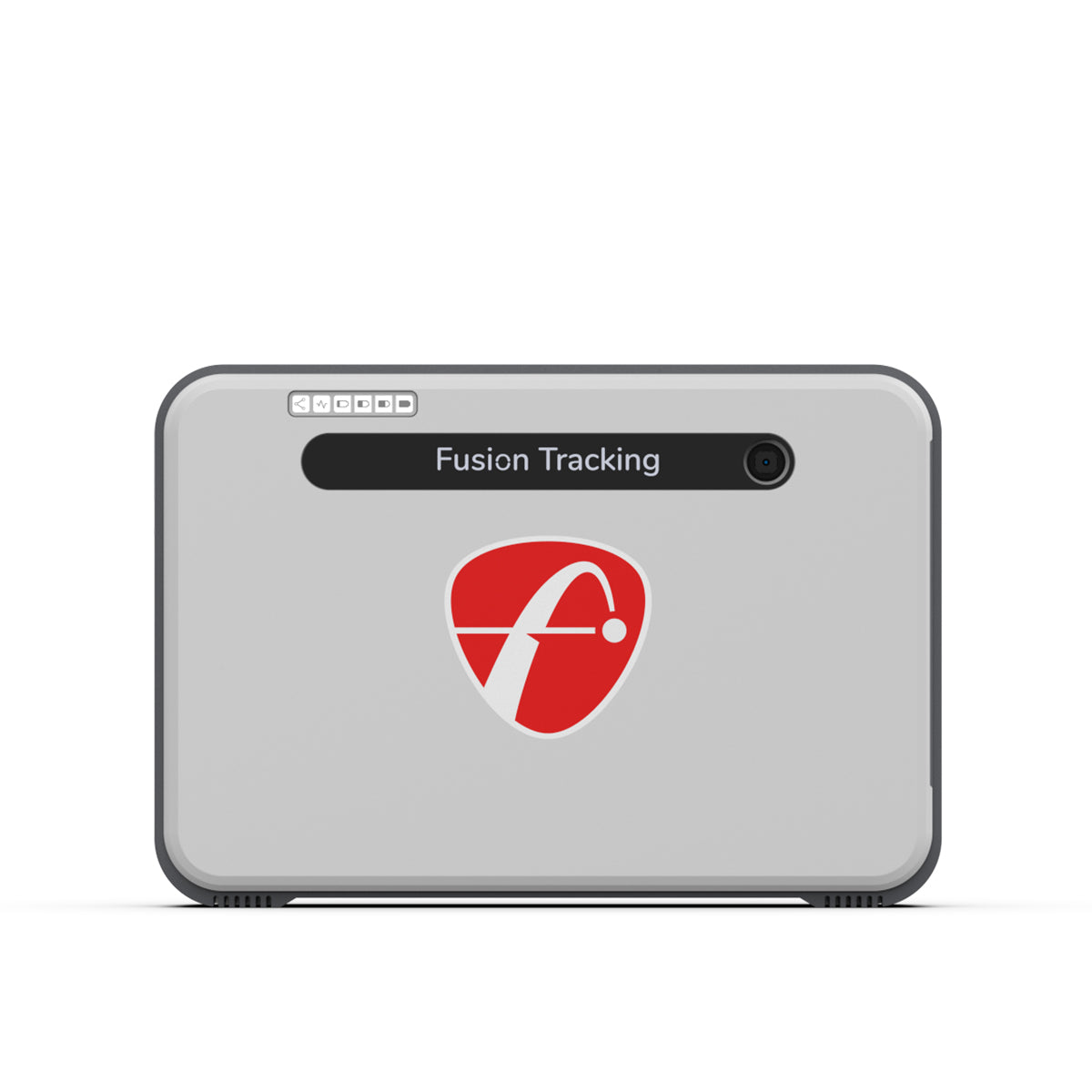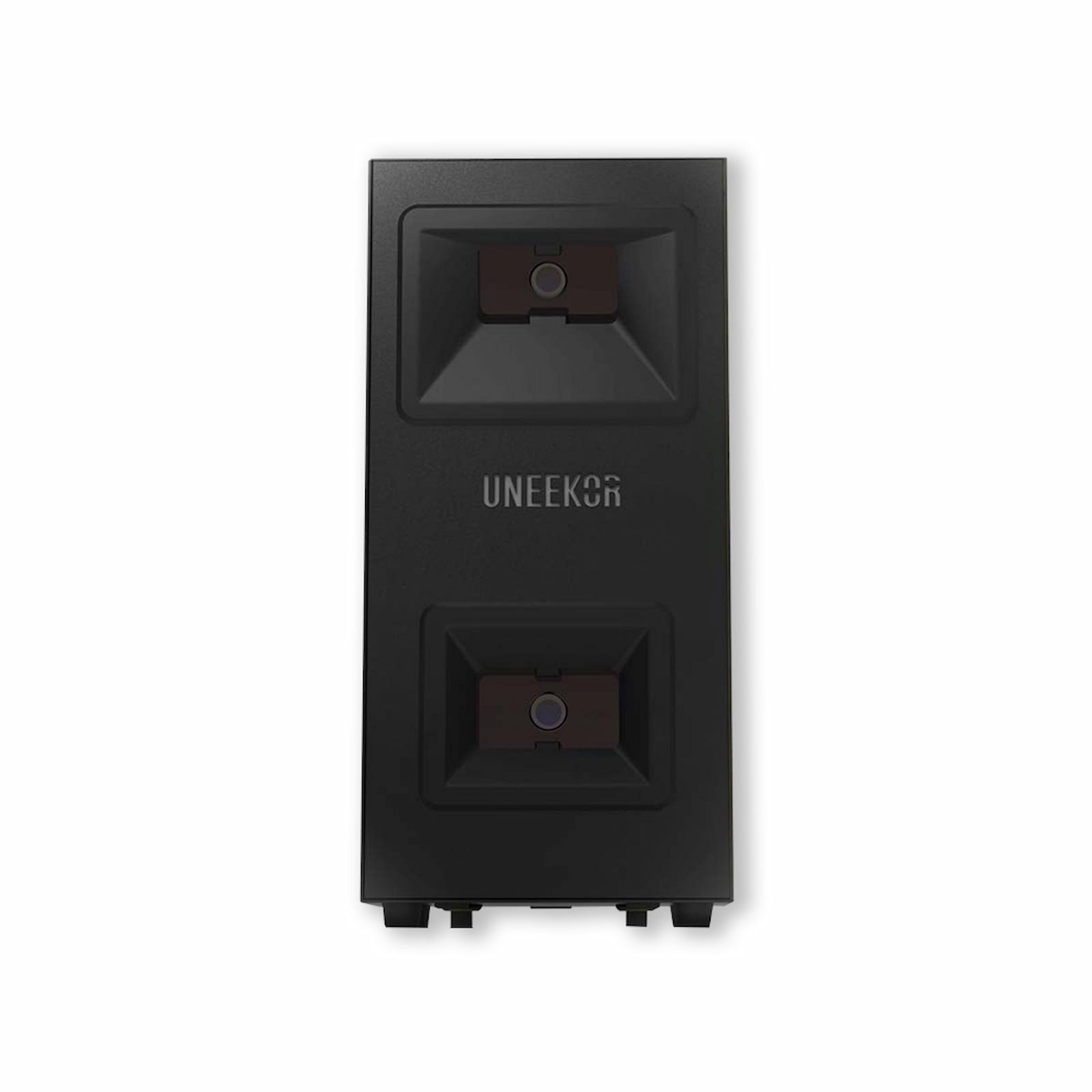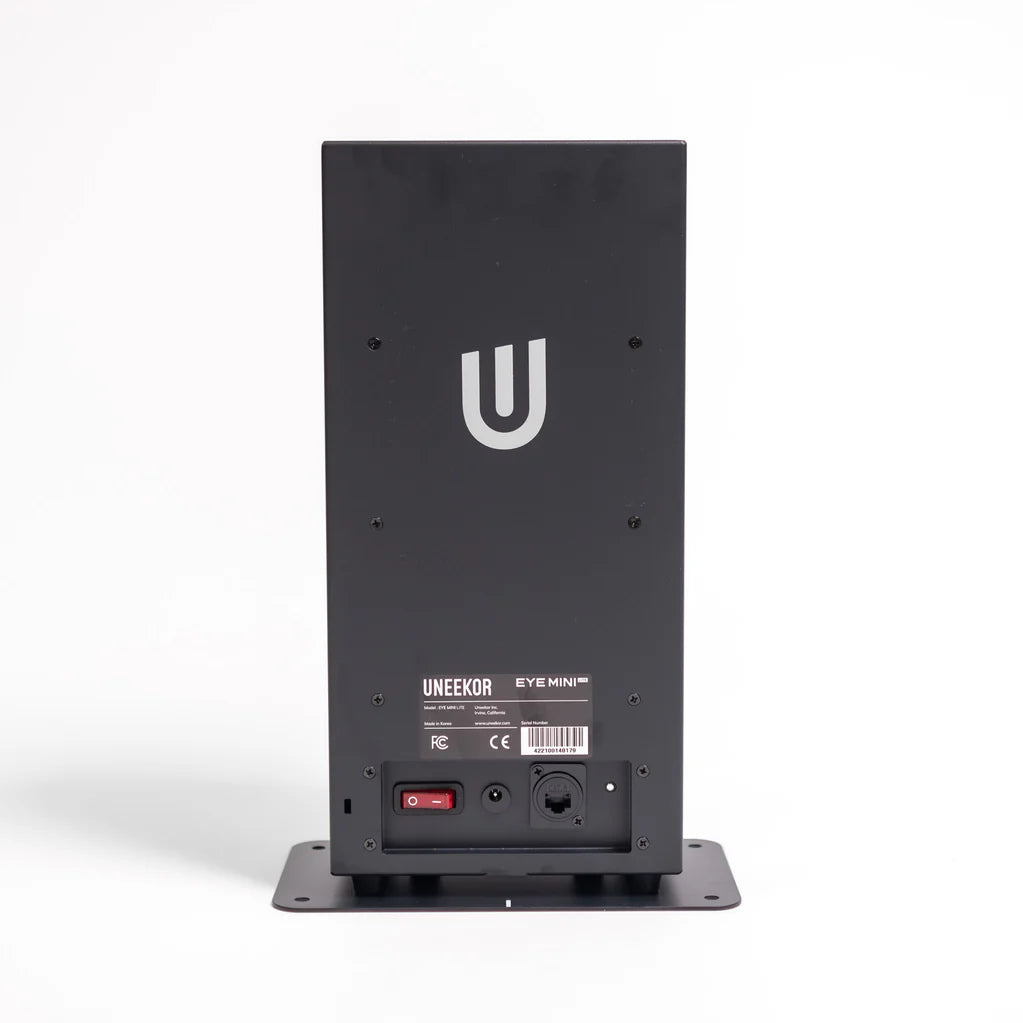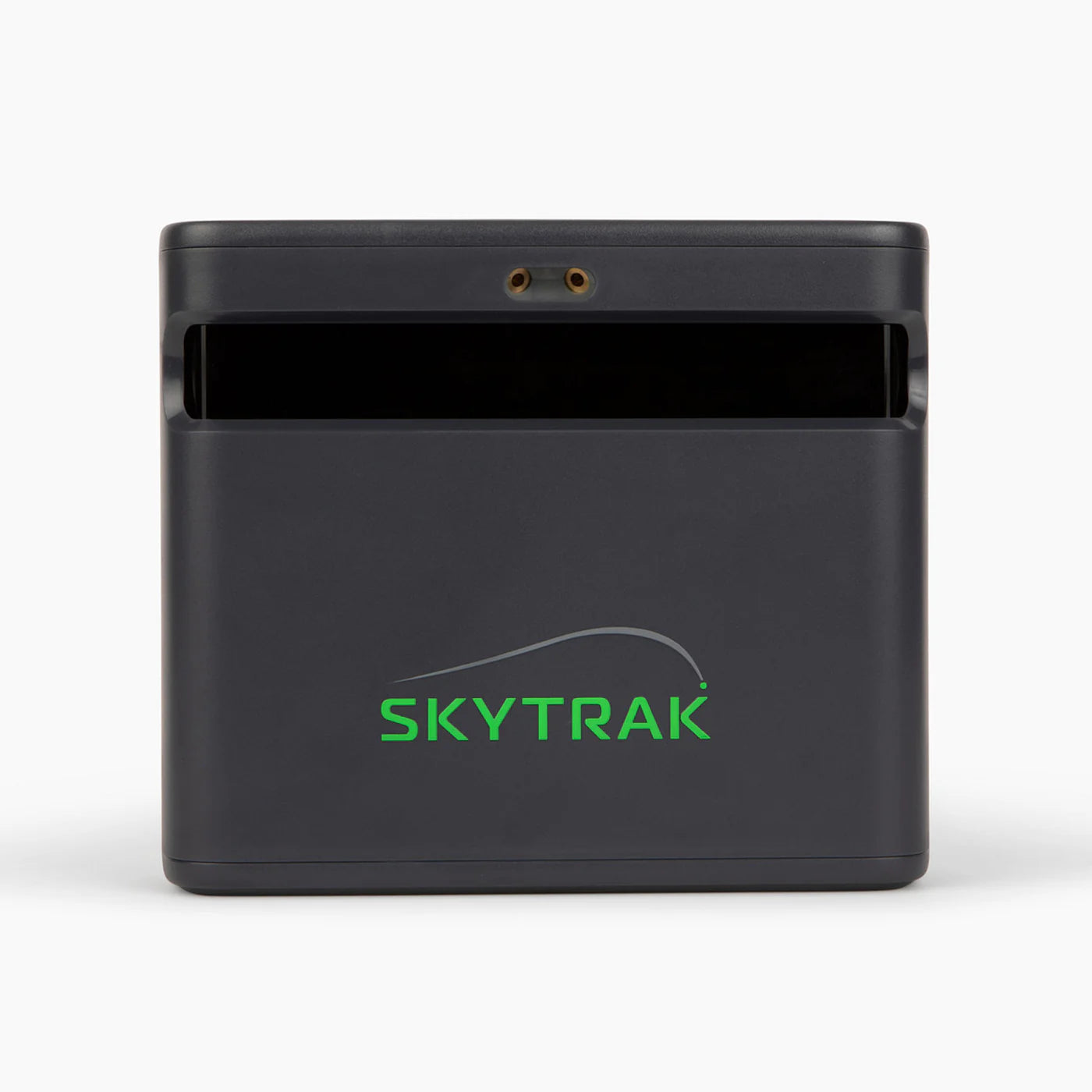
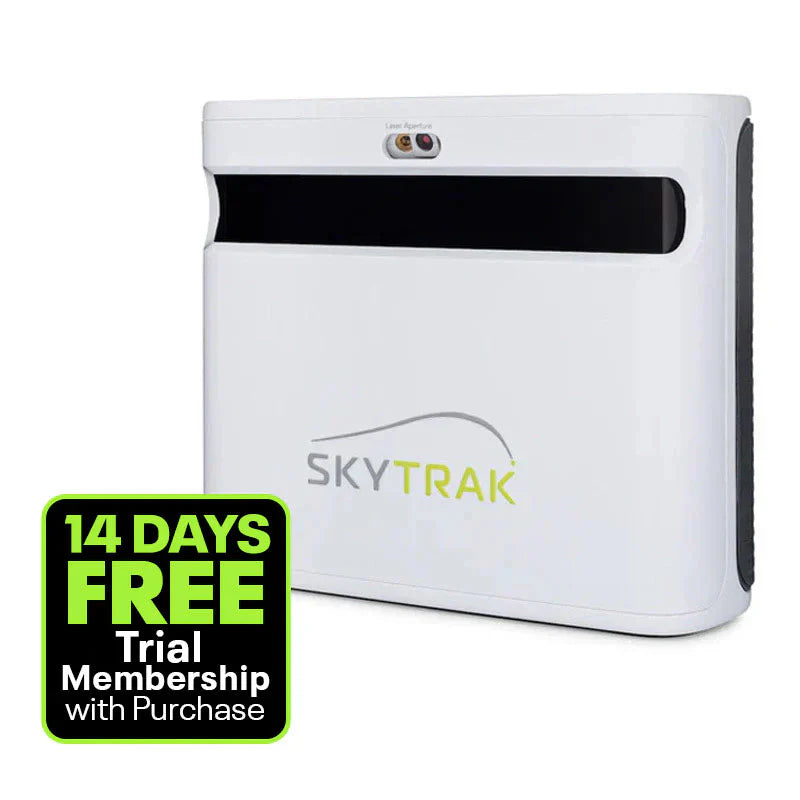
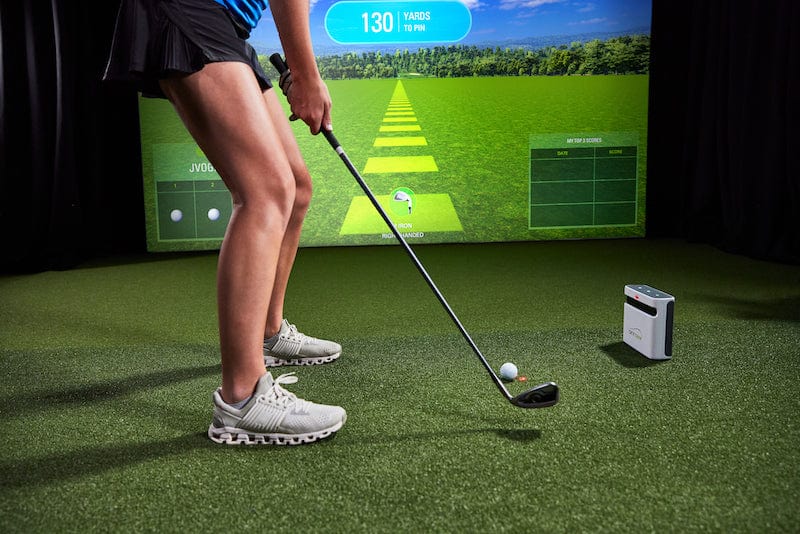

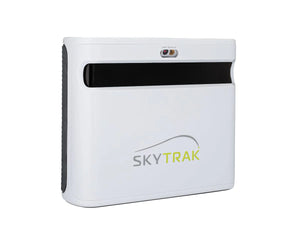
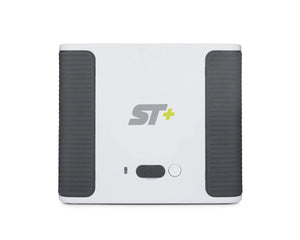
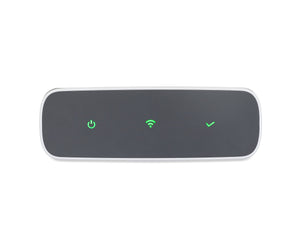
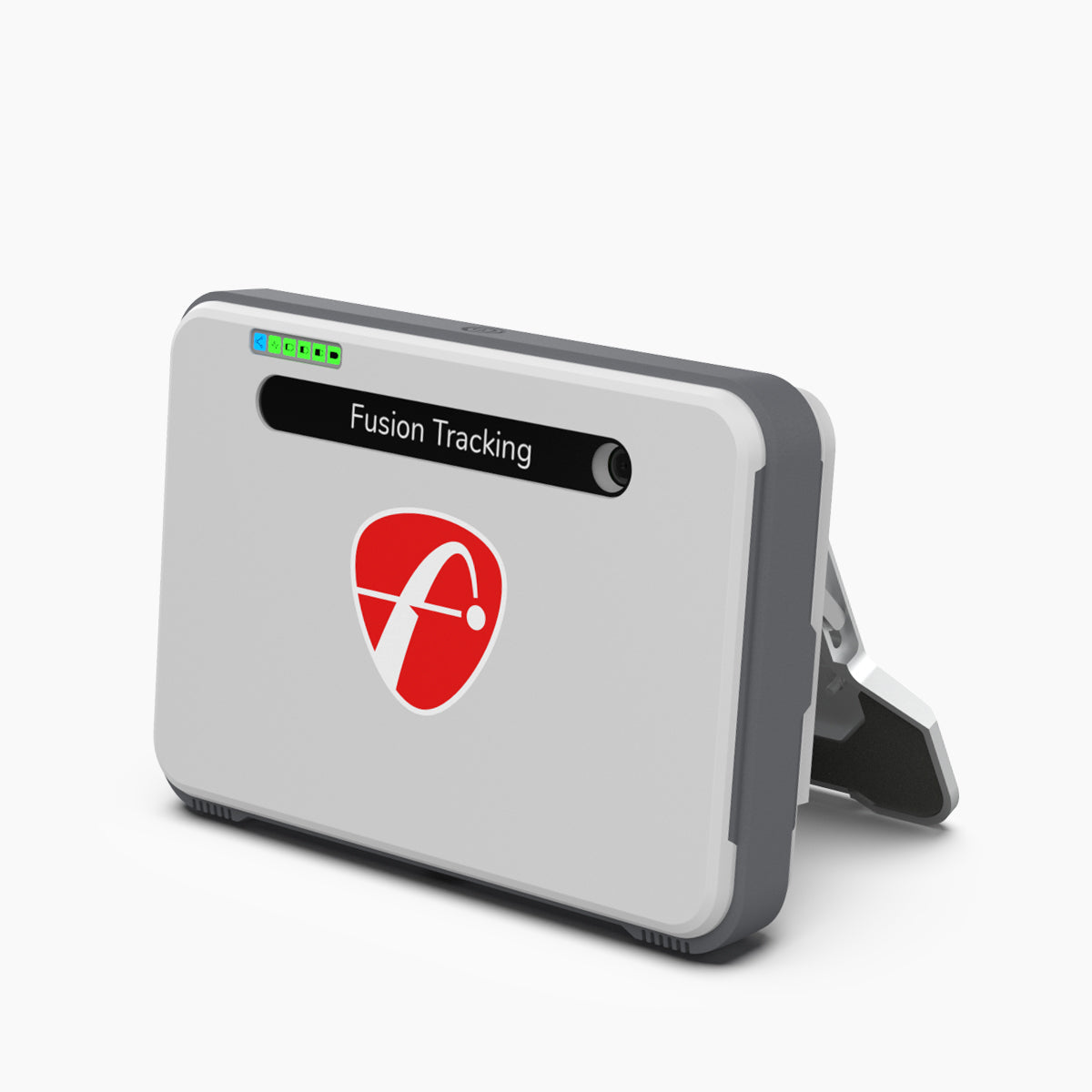
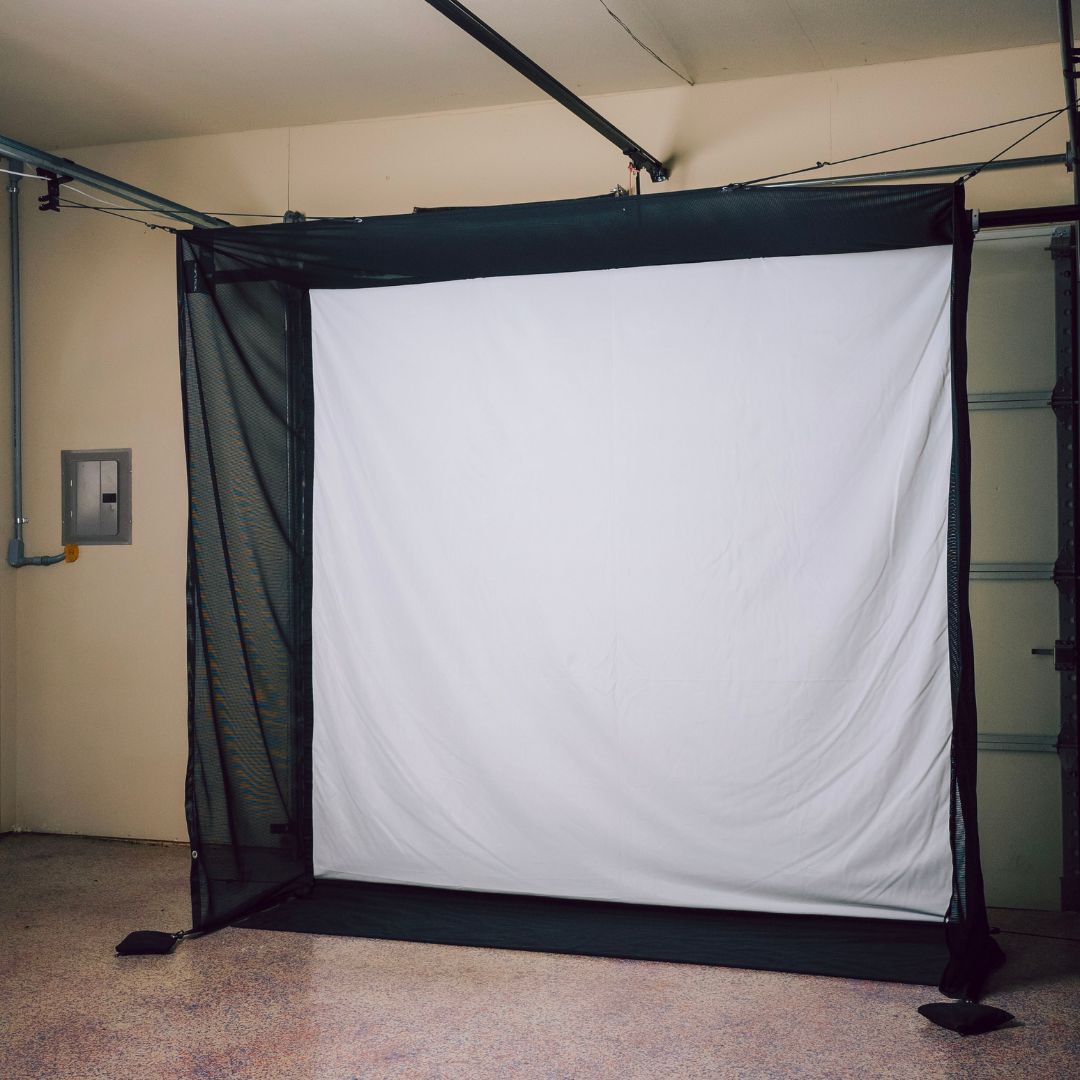
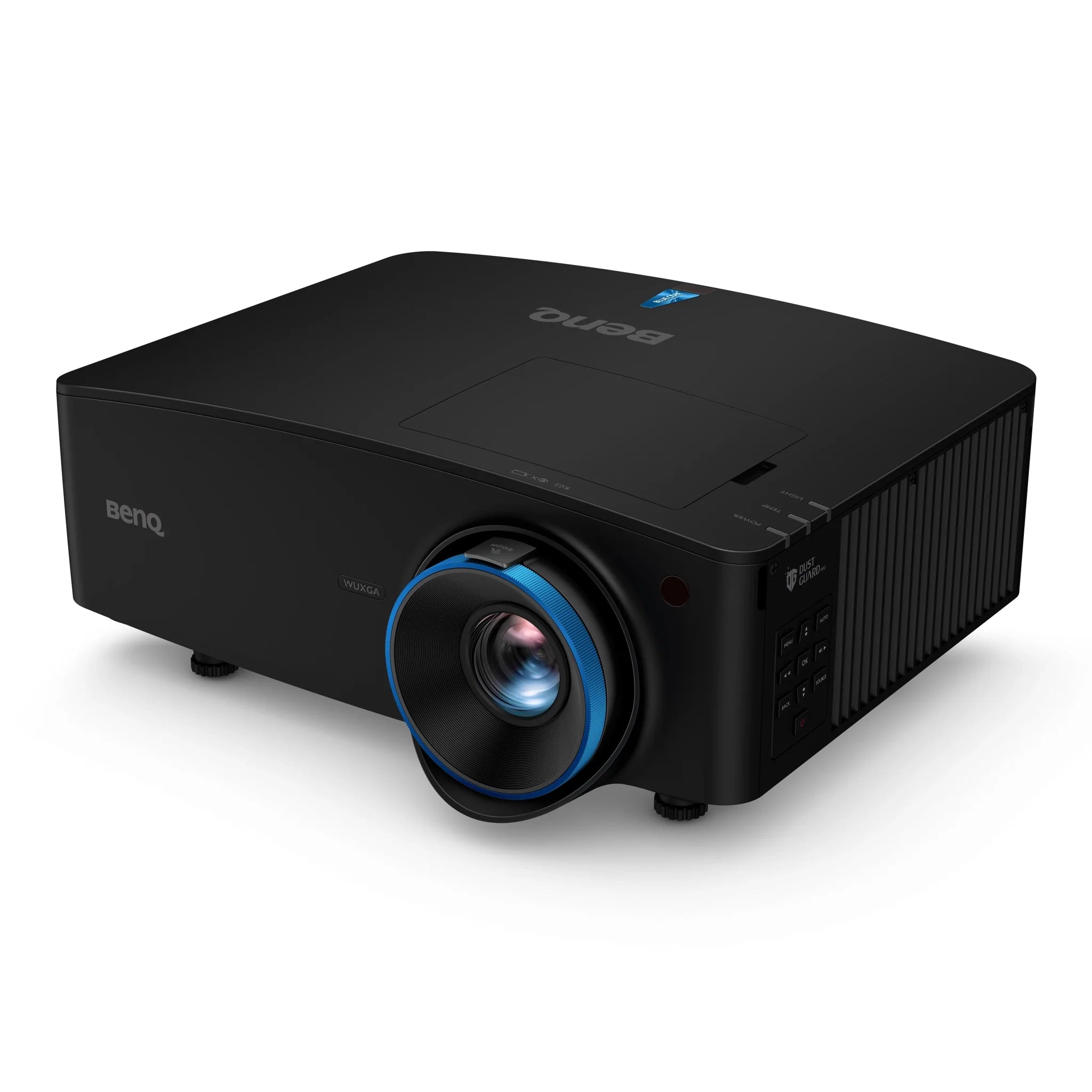
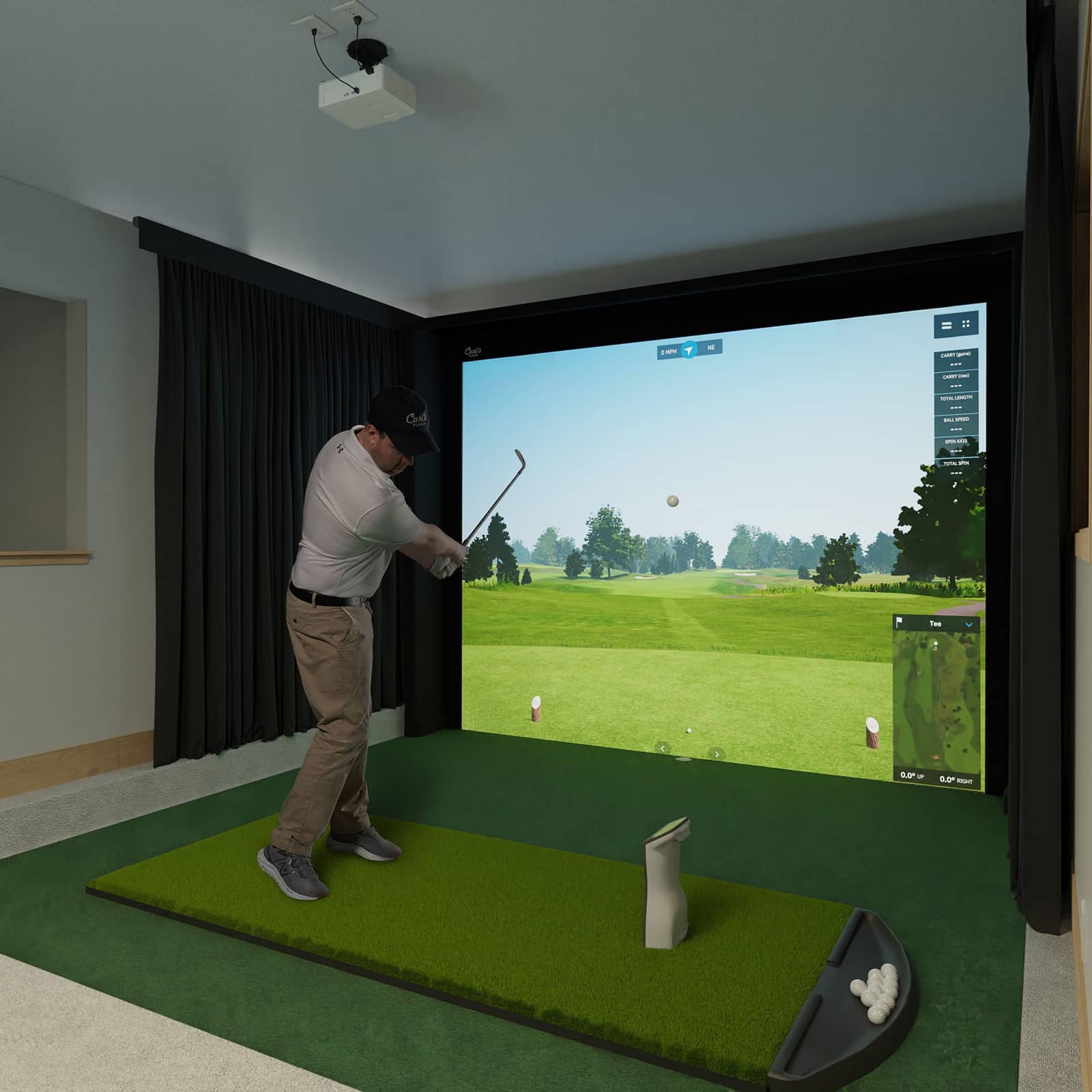
SkyTrak+ (sometimes called SKYTRAK ST+) is a modern launch tracker using two radar types along with a smart camera setup - this combo delivers pro-level precision without the high price of big-name models. Instead of just tracking basic flight data, it also captures club behavior, runs realistic range simulations, even lets you play famous golf courses via linked apps. Built small and light with its own power pack plus wireless connection, it works great indoors one day, outdoors the next.
SkyTrak+ Features:
- Dual Doppler radar setup captures exact club metrics like swing speed, direction, face tilt, plus impact efficiency.
-
A smarter camera setup captures ball movement more precisely, while also boosting visibility outside on playing surfaces.
-
Aiming helper screen using color hints - red, yellow, green - and tips by pro mentor Nick Clearwater.
-
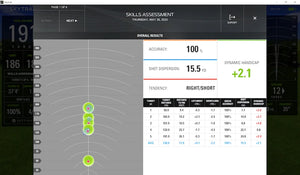
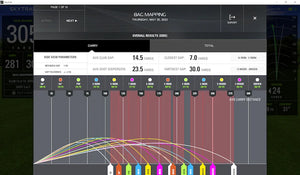
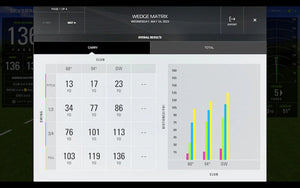
Track your shots with Shot Scoring, test short-game precision using the Wedge Matrix, check strengths via Skill Checkup, organize clubs by Bag Layout - each tool fits how you play. Discover what works, skip guesswork, build confidence step by step.
-
Get into classes worldwide or try out simulators - works if you’ve got the right software plus a membership.
-
Precision close to 2 yards - like pricier models at $20K, tested by robot.
-
Use it inside or out - small size fits tight spots, around 2 inches by 2 inches strike area.
-
Try it free for 14 days - get Sweetens Cove plus every tool to boost your game.
SkyTrak+ Specifications:
-
Inside or outside.
-
Tools: two radars working together along with a light-sensitive camera.
- Hitting area: about 2 inches by 2 inches.
-
Battery: Built-in lithium-polymer, lasts around 4 hrs.
- Connectivity:
- Wi-Fi setup on 2.4 GHz band.
- Direct Wi‑Fi mode.
- Micro‑USB (for power/data).
-
Get endless online space if you pick the Game Improvement plan - or go higher.
-
Size: 6.875 inches tall, about 5.75 wide, depth measures 2.5 - fits easy on shelves or bags.
-
Weight: 1.7 lbs.
Data Points Measured:
Ball Data
- Carry Distance
- Total Distance
- Ball Speed
- Back Spin
- Side Spin
- Descent Angle
- Side Angle
- Launch Angle
- Shot Shape
Club Data
- Club Head Speed
- Smash Factor
- Club Path
- Face Angle
- Face‑to‑Path
How Do the SkyTrak+ Launch Monitor Work:
SkyTrak+ stands near the hitting zone - usually a bit ahead and off to the side of the ball - and snaps pics with its camera right when you strike and during the first few inches of flight. Using those images, it works out how fast the ball goes, how much spin it has, and the angle it takes off at. At the same time, two Doppler radars follow your club's movement through the swing, picking up details like where the club’s headed, which way the face points, and how quick your swing is.
A custom learning program tweaks the numbers, sending reliable shot and club details to SkyTrak’s apps or linked sim software. Since the simulation runs on steady physics - no actual weather involved - you can decide if you want wind and air effects added, or skip them for clean results.
Pros & Cons of SkyTrak:
Pros
- Dual-tech - using radar plus camera - gives sharp details on ball and club, just like pricier models. Though it’s a mix of sensors, results stay solid without the high cost tag.
-
Fine inside or outside - good for sim practice instead of just field drills.
-
A solid collection of apps that help you get better at golf, while giving more ways to enjoy rounds on the course.
-
Use it on Windows or macOS, also works with iOS and Android - depends on which version you’ve got.
- Compact, portable, and battery‑powered for flexible use.
Cons
-
Using all features - like playing courses or training tools - needs a SkyTrak subscription (choose Essential, Core, or Elite).
-
Just like any light-based system, how well it works depends on clear ball sight and proper setup. Bad lighting or being off-center might mess things up.
-
Needs separate apps - “Lite” or the newer “SkyTrak” - each running on distinct device requirements, so it might feel unclear initially.
What's Included:
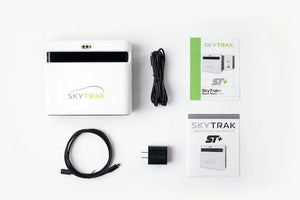
- SkyTrak+ device that tracks your golf shots.
- USB cords - use them to charge or hook up to a computer.
- Quick Start Guide.
-
Basic app plus entry to the online golf simulator.
-
A 14-day test run comes with Sweetens Cove lessons plus every tool to boost your game.
System Requirements for SkyTrak+ Golf Launch Monitor:
The SkyTrak system works with two apps - the original SkyTrak Lite or the updated SkyTrak version. Check if your phone or tablet supports the one you plan to run instead.
SkyTrak Lite (Old App)
PC
- OS: Windows 7 - either 32-bit or 64-bit version.
- CPU: Intel Core i5 or similar option.
- RAM: 4 GB.
- GPU: Try a Nvidia GTX 670 or maybe an AMD 7850 - both should have at least 2 GB VRAM, though something stronger works fine too.
iOS
- iPad Pro - first generation or later models.
- iPad Air from 2019 onward.
- iPhone 8 or later models.
SkyTrak (New App)
PC
- OS: Windows 10, 64-bit version.
- CPU: Pick an Intel i3-10100F or go with a Ryzen 2600, maybe even something stronger.
- RAM: 8 GB.
- GPU: Try a Nvidia GTX 1650 or go with an AMD Radeon 580 - either works fine. Better ones run smoother.
- Storage: at least 128 GB SSD.
macOS
-
Apple’s own chips - like the M1 or later versions.
- macOS 13 Ventura or later.
iOS (new app)
-
A gadget that’s got an M1 chip - or something more recent.
Android
- OS: A recent Android phone - think 2020 or later.
- RAM: 12 GB.
-
Store: at least 64 GB.
How Much Space Do I Need for SkyTrak Golf Simulator?
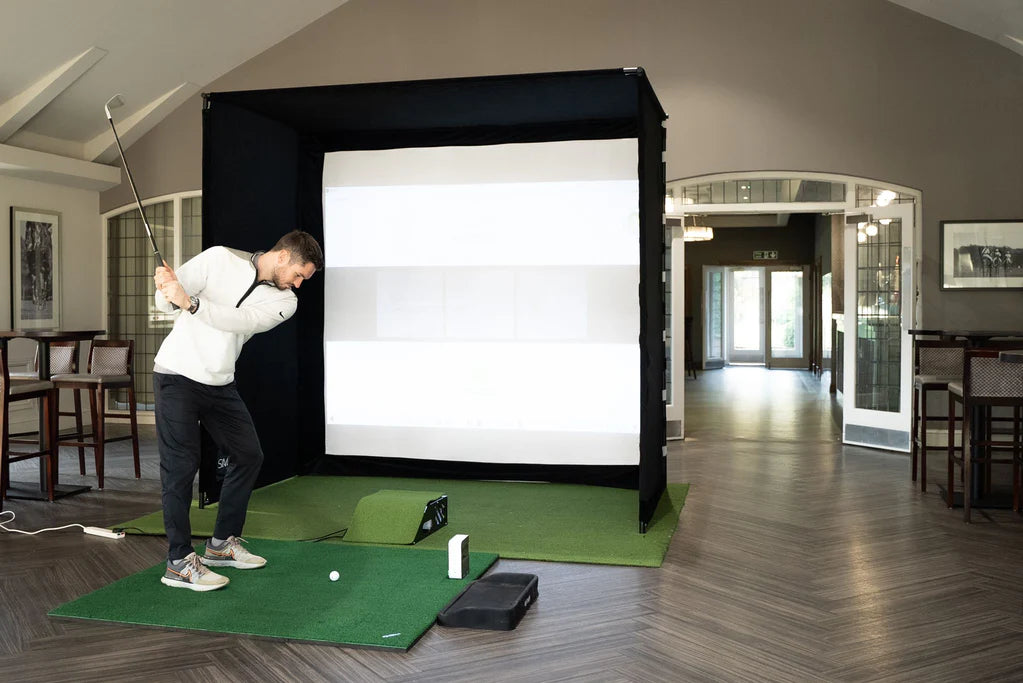
Camera-based: Follow general space requirement instructions
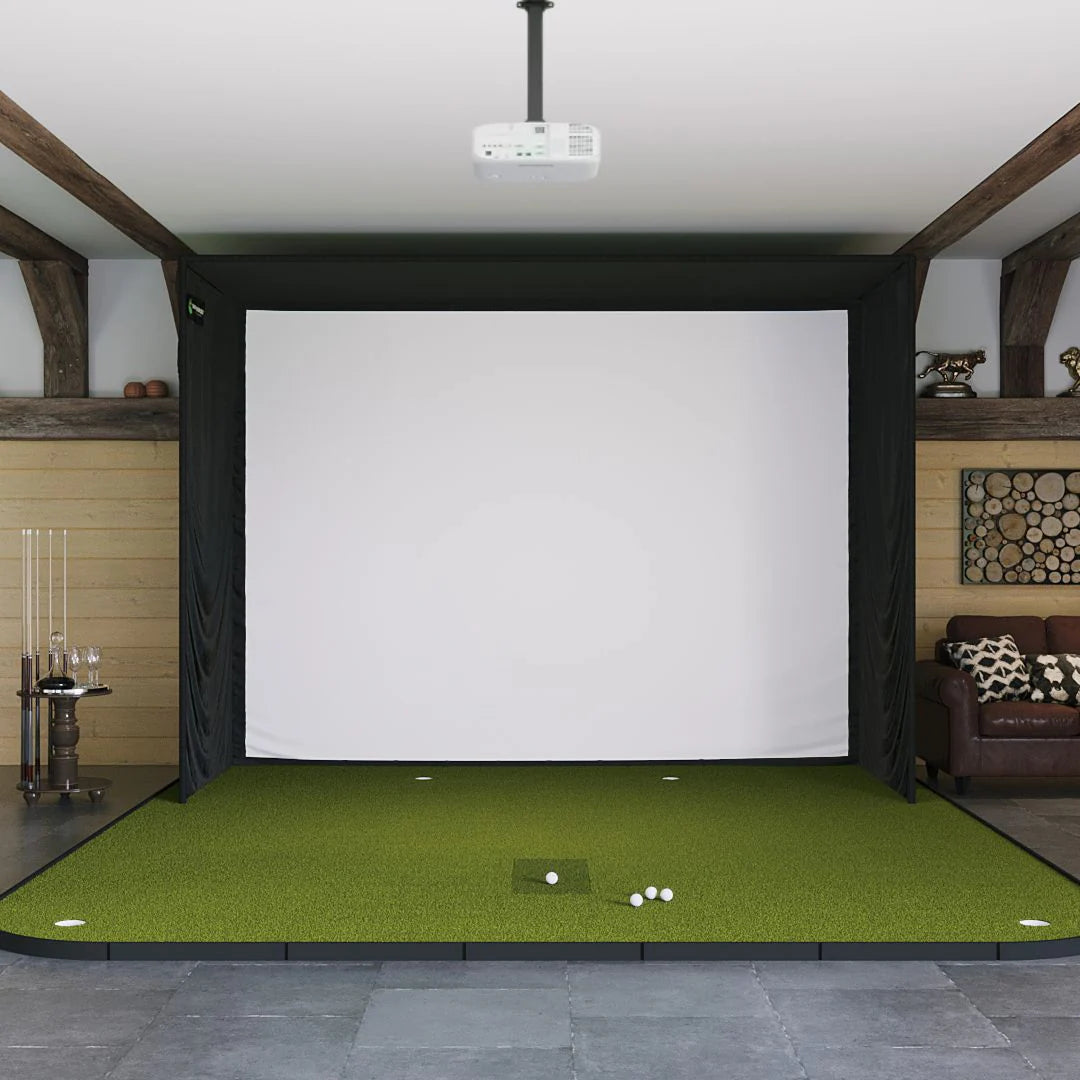
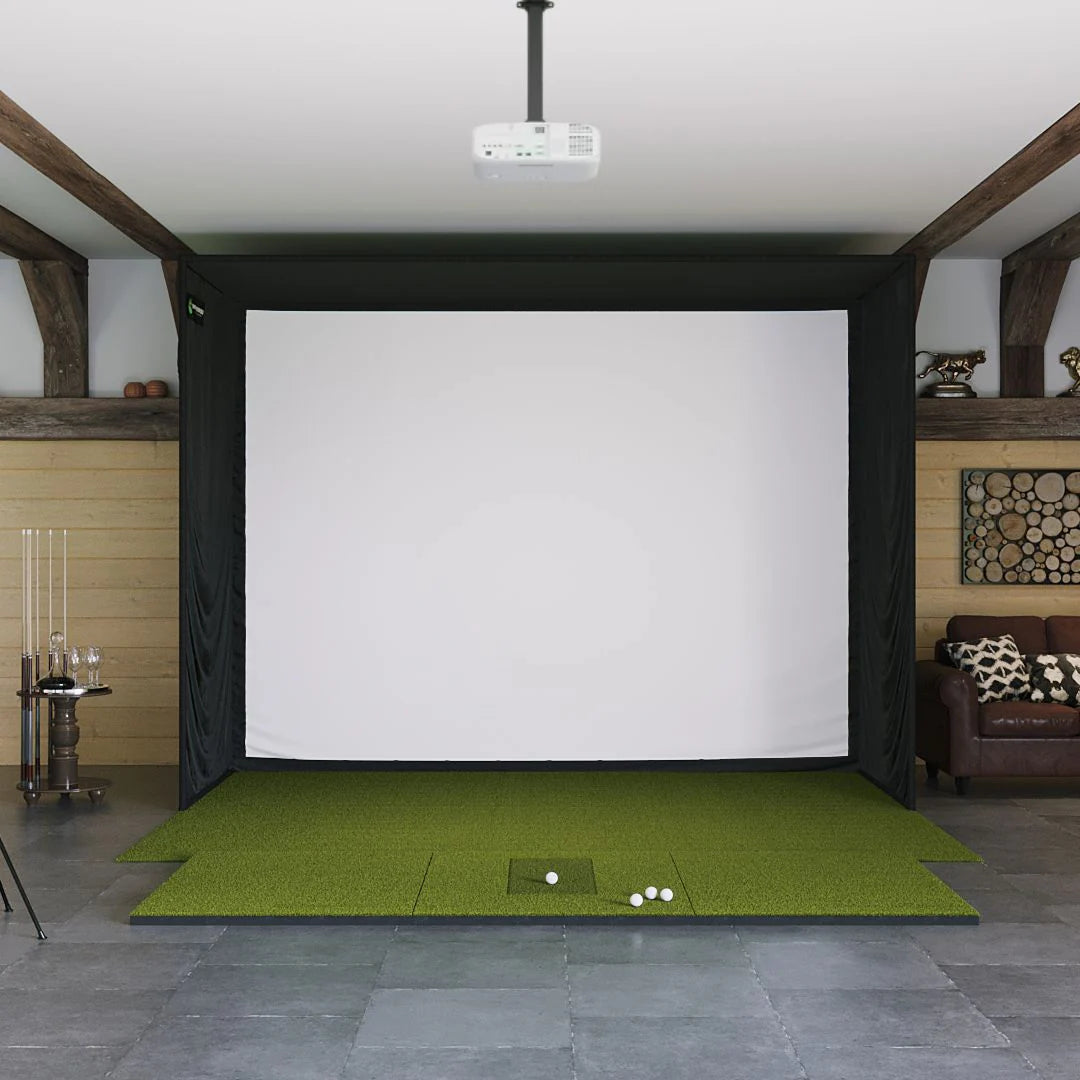
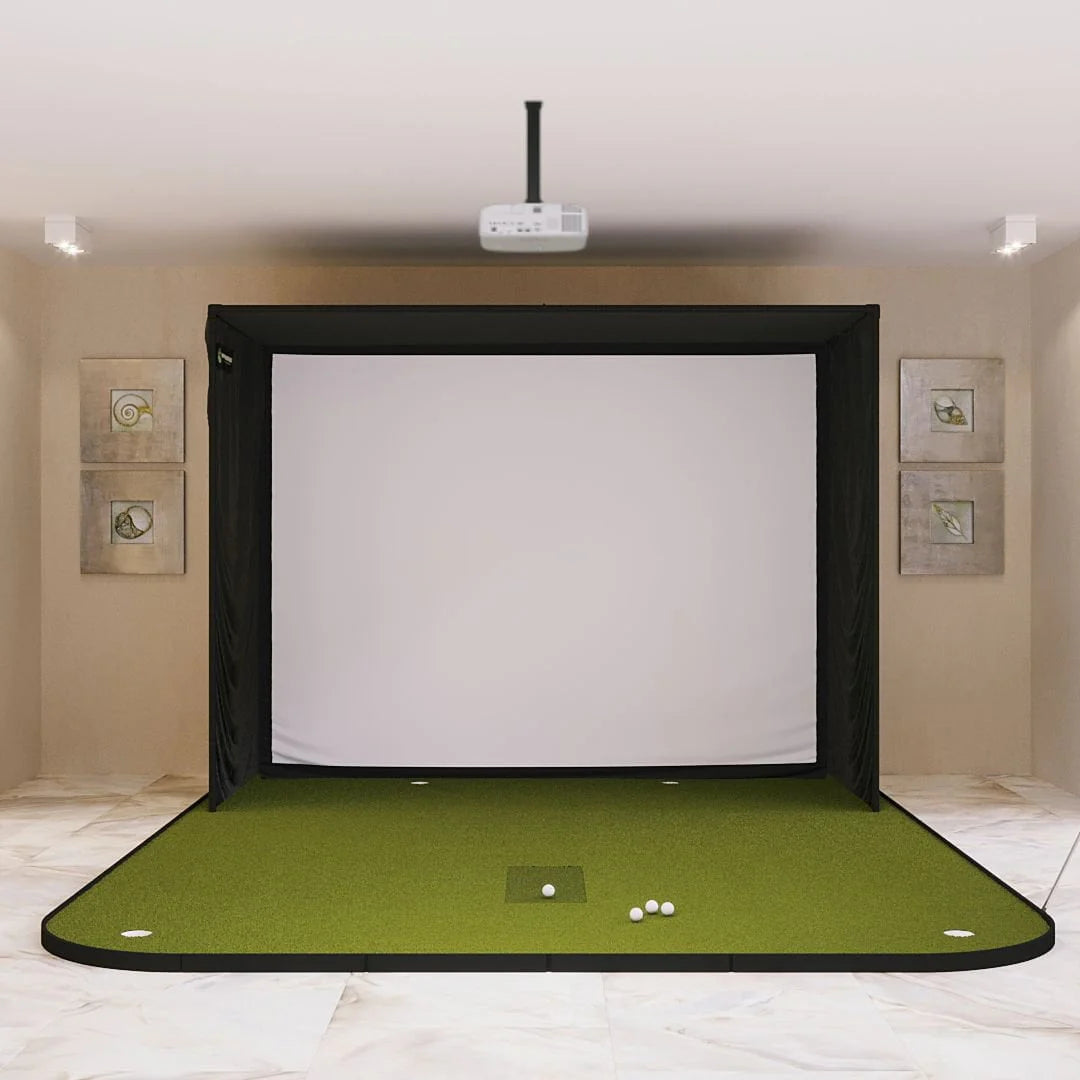
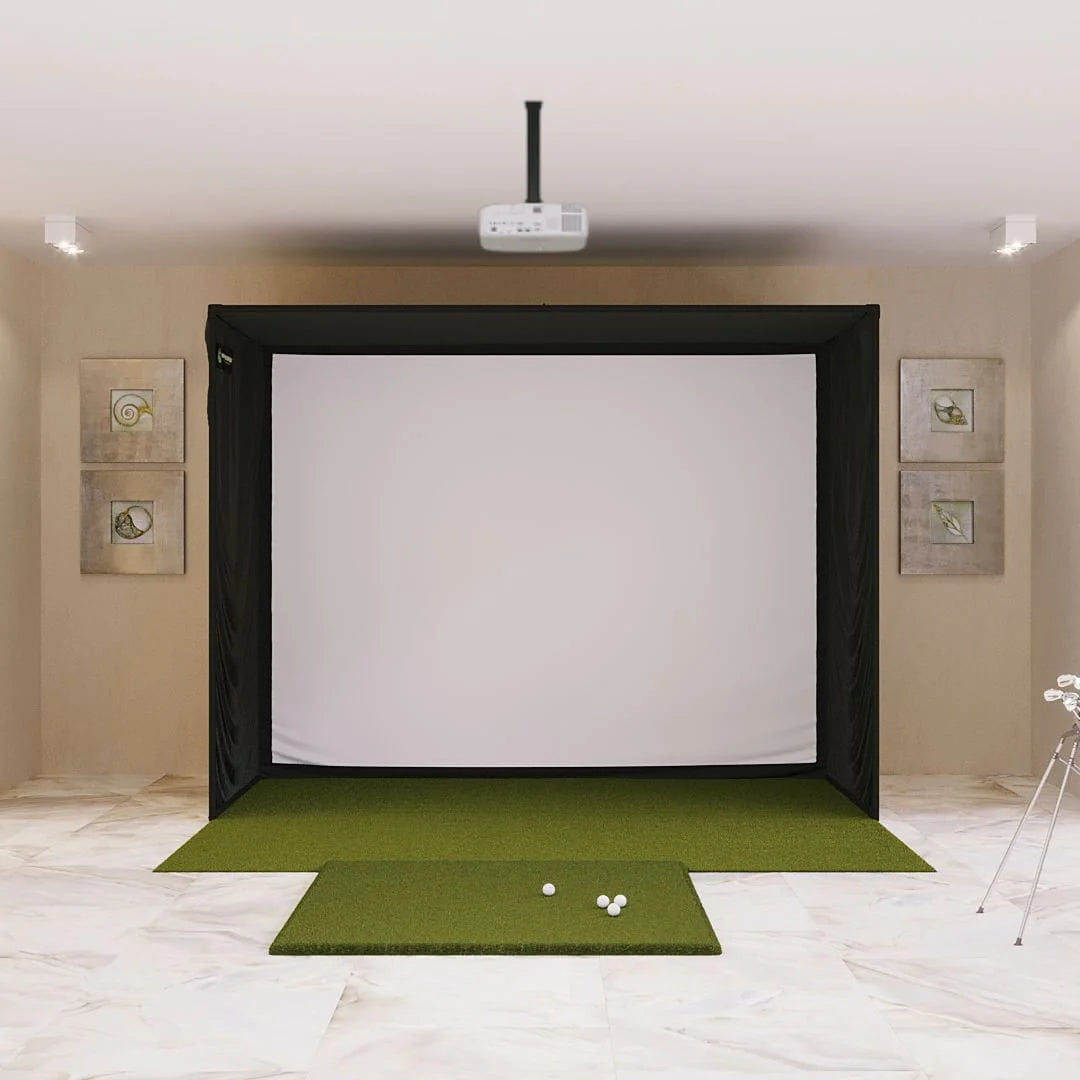
Top pick for small basements or tight spots - great worth without taking up room.
-
Set up the launch monitor just ahead of the ball - keep it on the ground
-
Leave 7 feet open around the space - this gives enough room to move freely while swinging in any direction
-
Stay about 10 to 12 feet away from the screen or net
-
Good room height: around 9 to 10 ft
Shipping Information:
This item heads out within three to five workdays after your order’s been handled.
FAQ:
How accurate is SkyTrak+?
A: SkyTrak ST+ claims it’s spot-on - just 2 yards off compared to high-end models priced near $20K. Tests run by third-party labs using robotic swings found its readings almost identical when checking things like ball velocity, takeoff angle, spin backward, sideways rotation or tilt, plus lateral direction.
Do you need to sign up?
A: You can use basic stuff like distance and main stats without paying - though smarter training aids plus actual course games need a SkyTrak plan. Pick Essential, Core, or Elite; higher levels give extra tools, virtual layouts, along with deeper data breakdowns.
Can I use SkyTrak+ outdoors?
A: Yep. Better light sensors plus radar tech help SkyTrak+ work nicely outside, particularly when you're swinging from a mat under bright conditions with proper setup.
Which tools or settings come already built in?
A: The basic software comes with a virtual driving range, while a 14-day test opens up Sweetens Cove along with every tool for better play - like Shot Optimizer, Shot Scoring, Wedge Matrix, Skills Check, and Bag Setup.
Can weather change how the ball flies in sim mode?
A: Normally, SkyTrak doesn't factor in things like wind or humidity - those only kick in if you turn them on yourself through the session options; that way, your numbers stay steady from one round to the next.
Does SkyTrak+ work with other sim apps?
Yeah. If you’ve got the right subscription level, SkyTrak+ links up with outside simulation apps - think well-known golf games - so you can play full rounds online, not just use the basic driving range features.