
Golf Simulator Enclosures - DIY & Complete Packages
Filter
Sort by
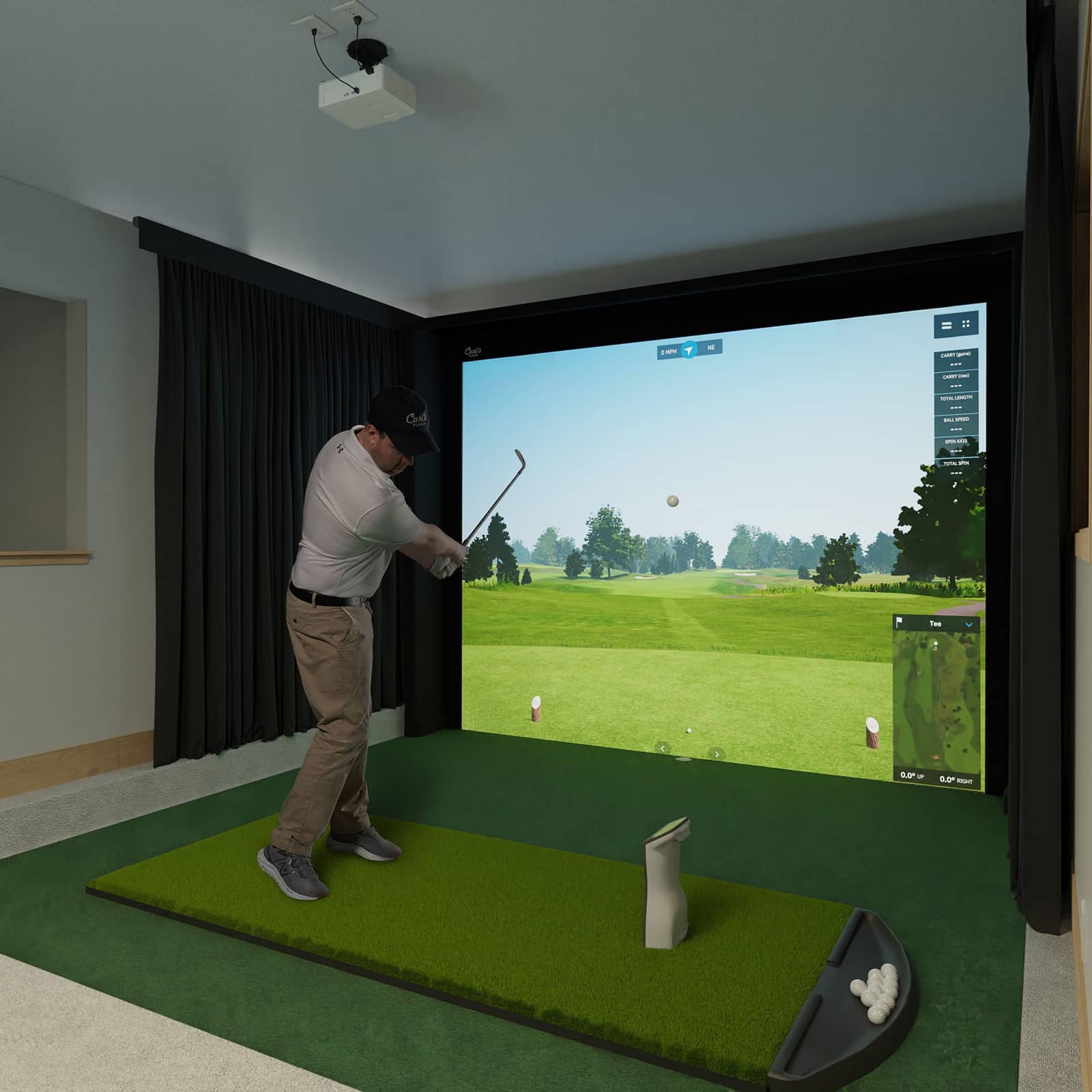
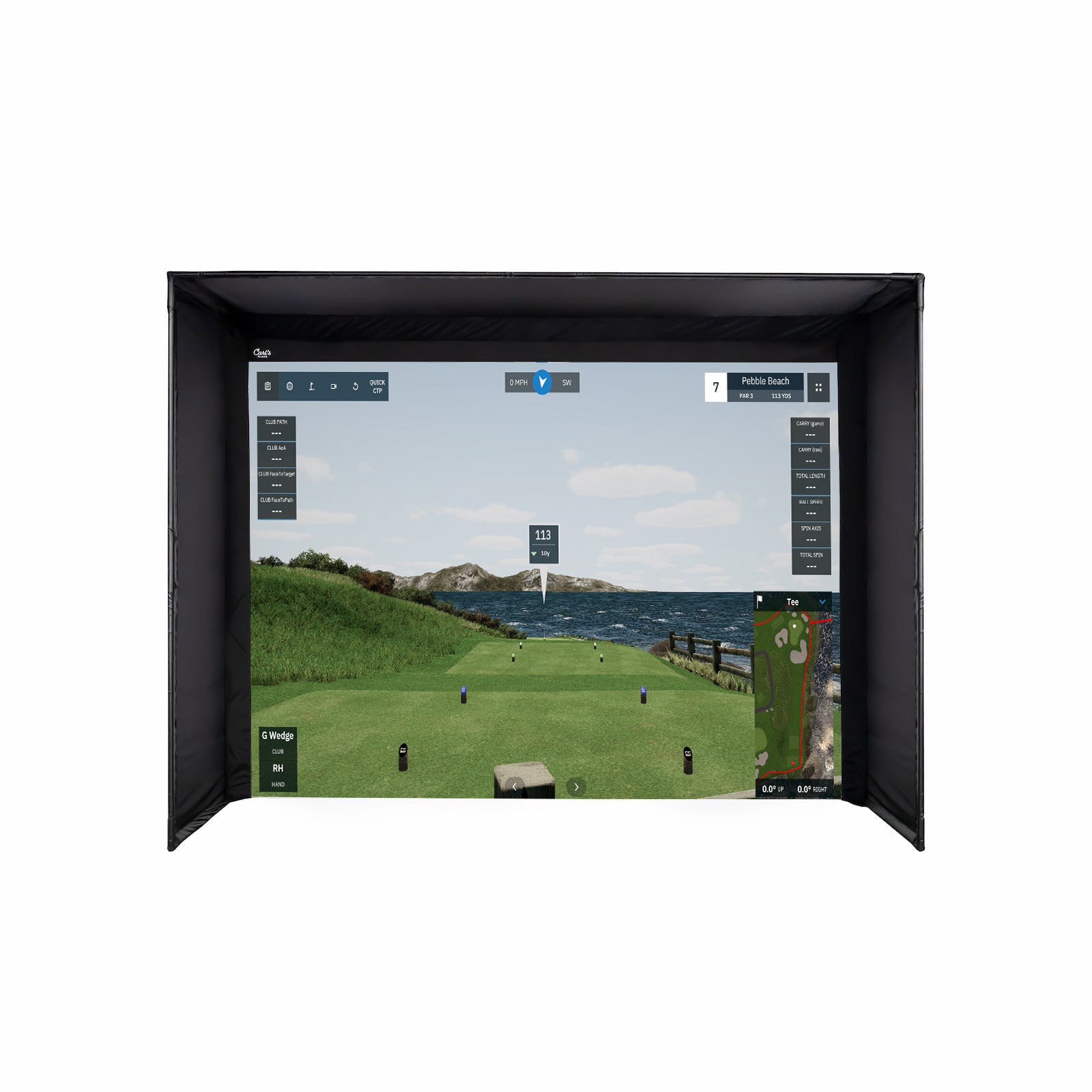
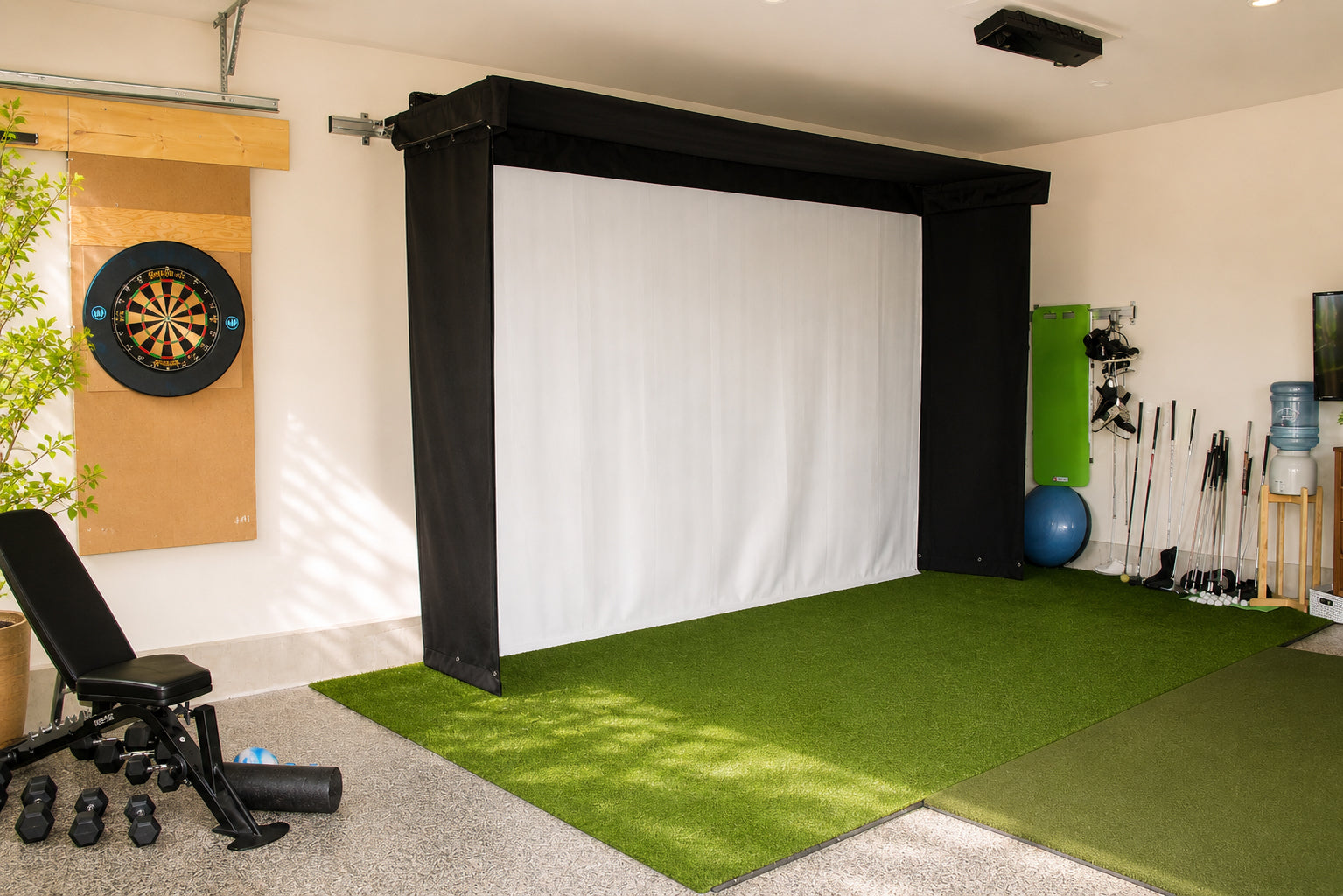
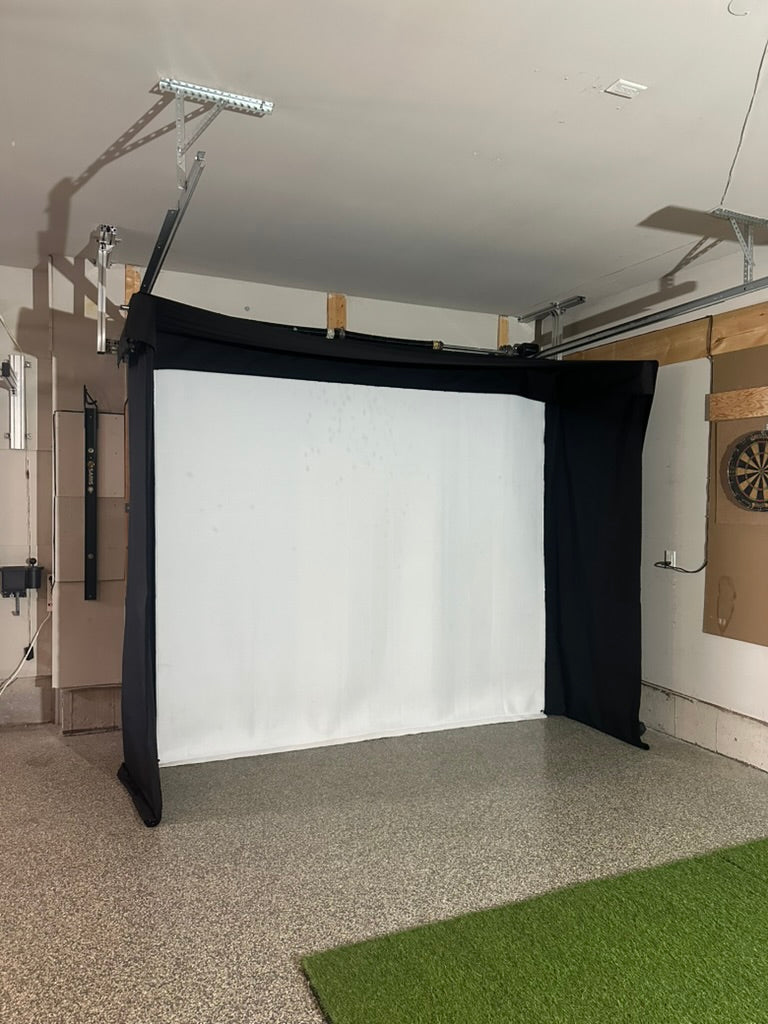


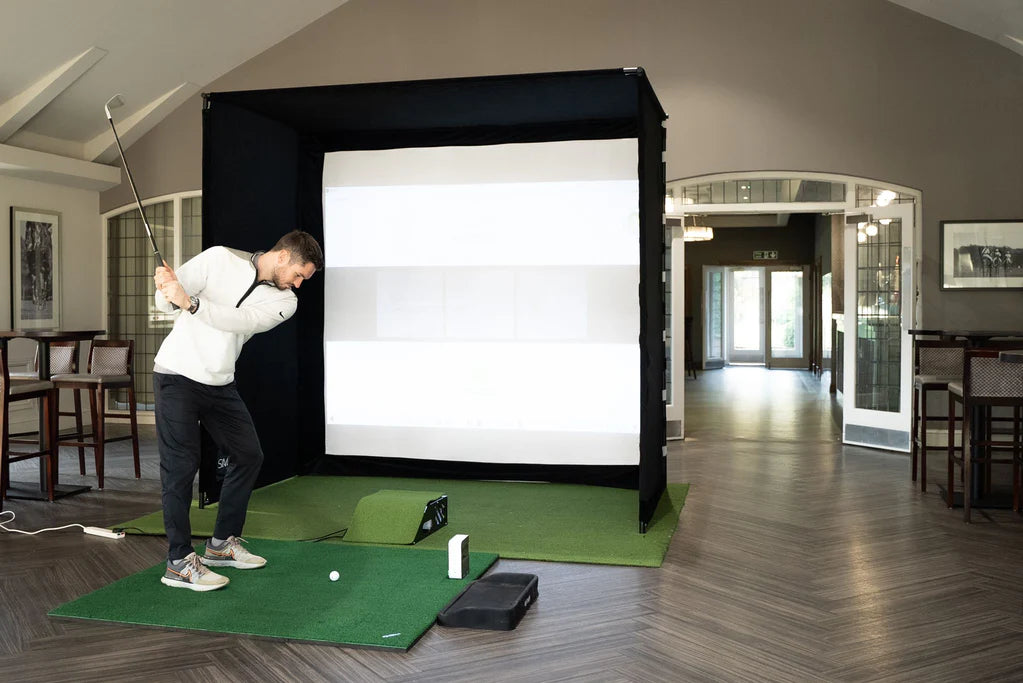
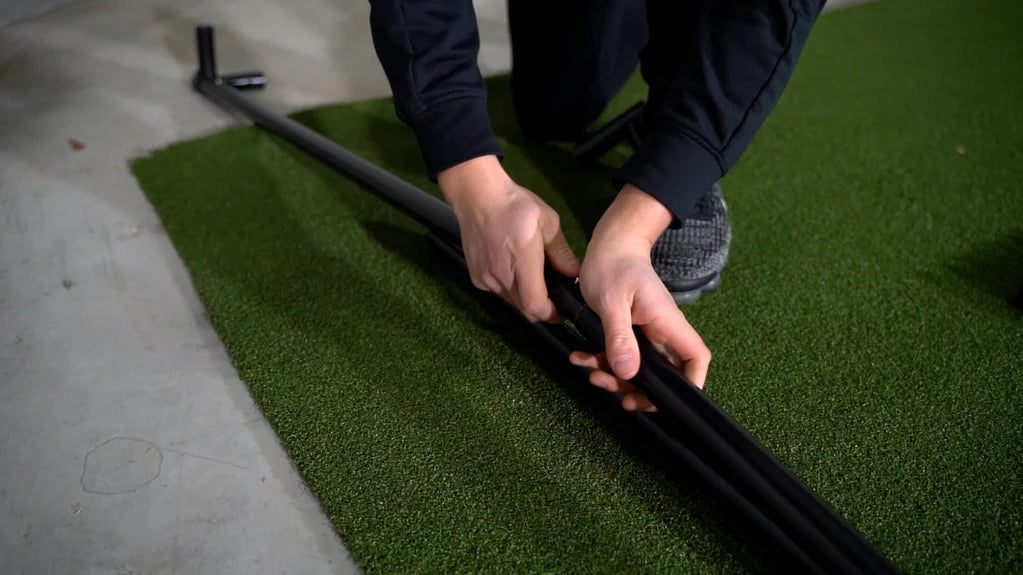
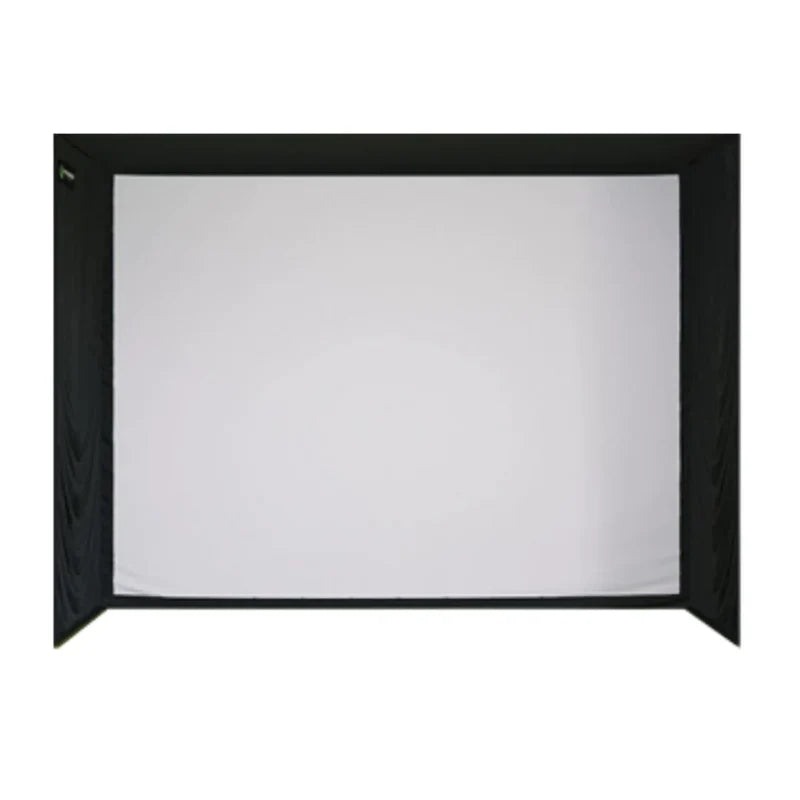
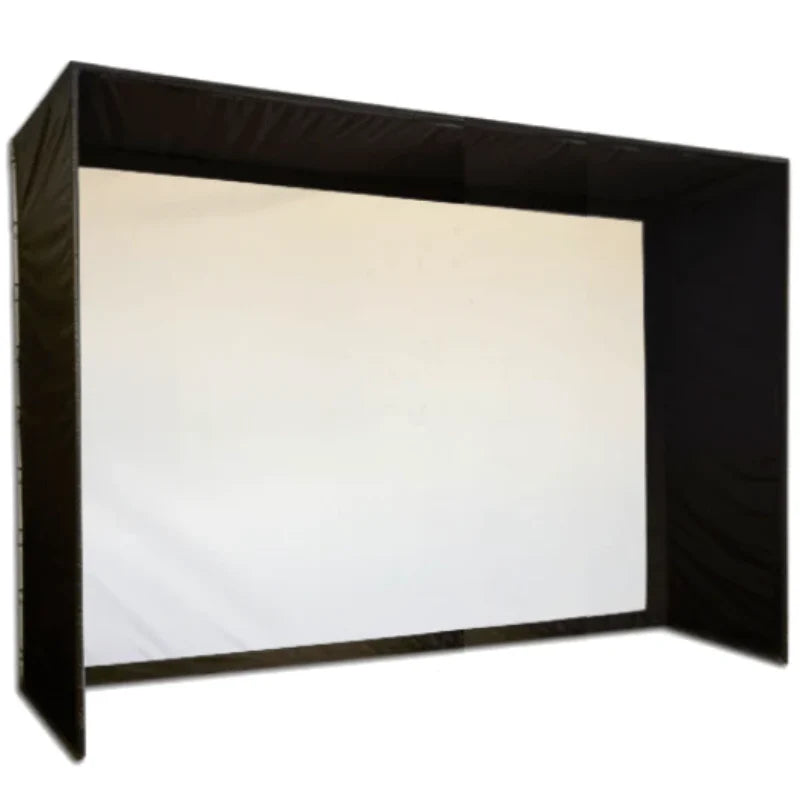
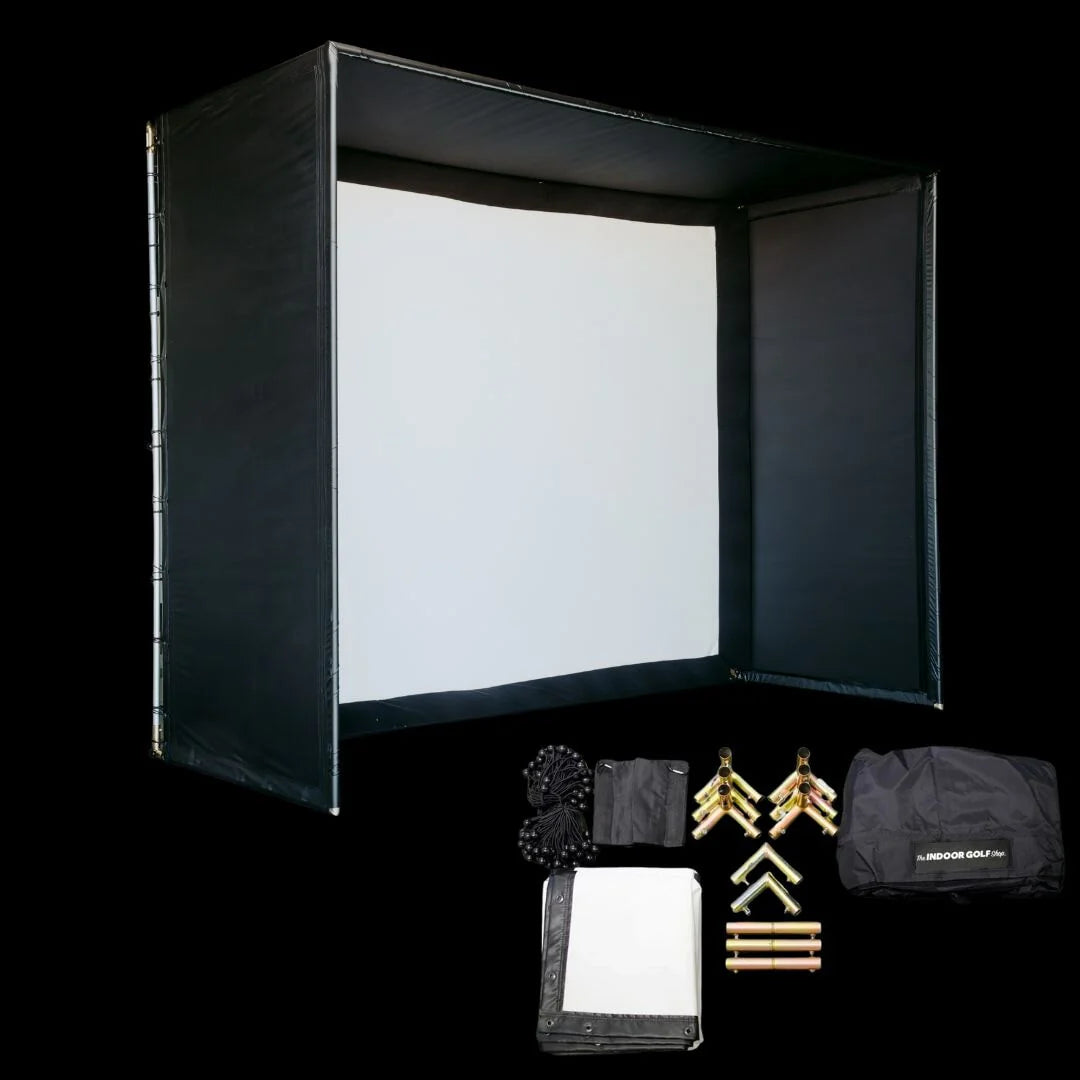
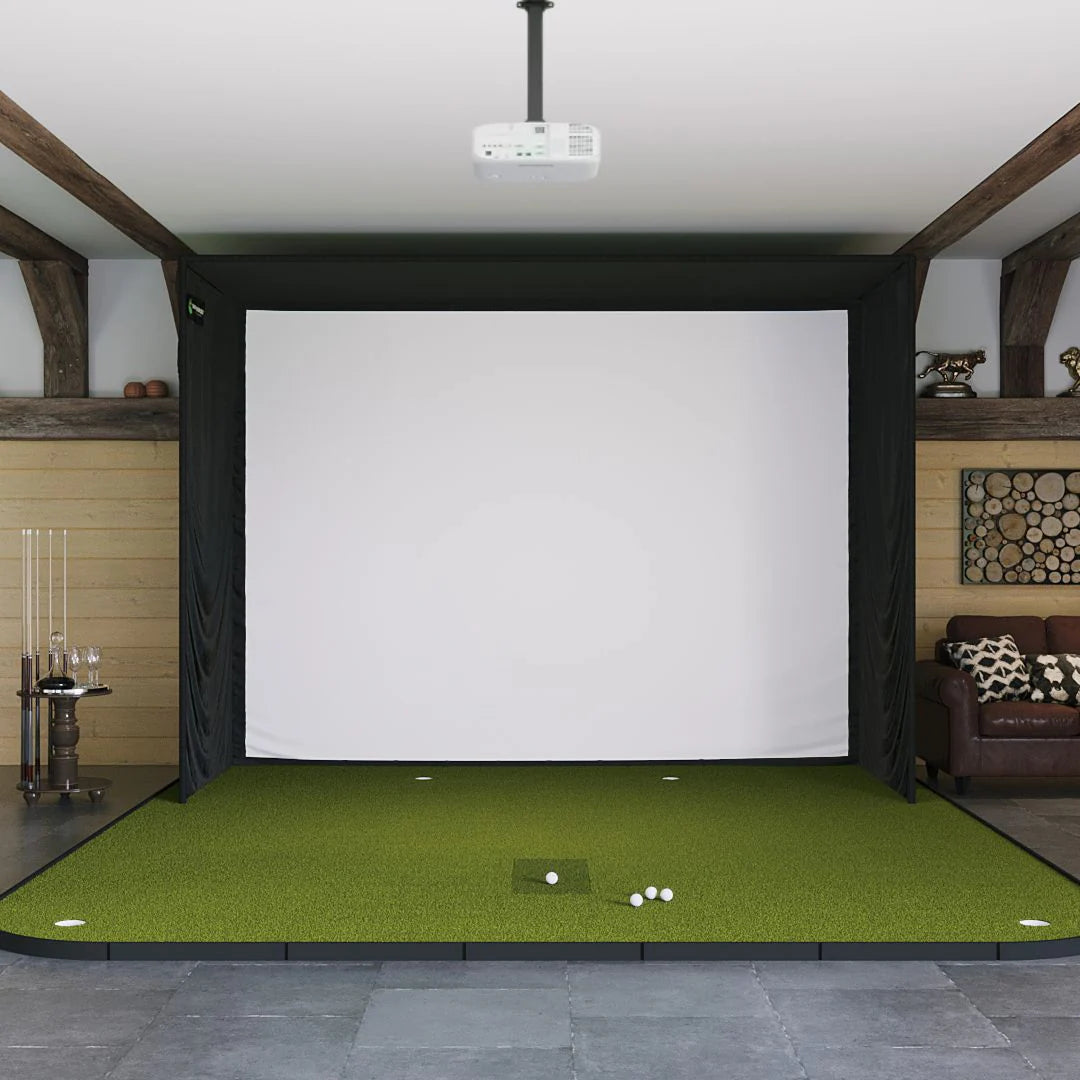
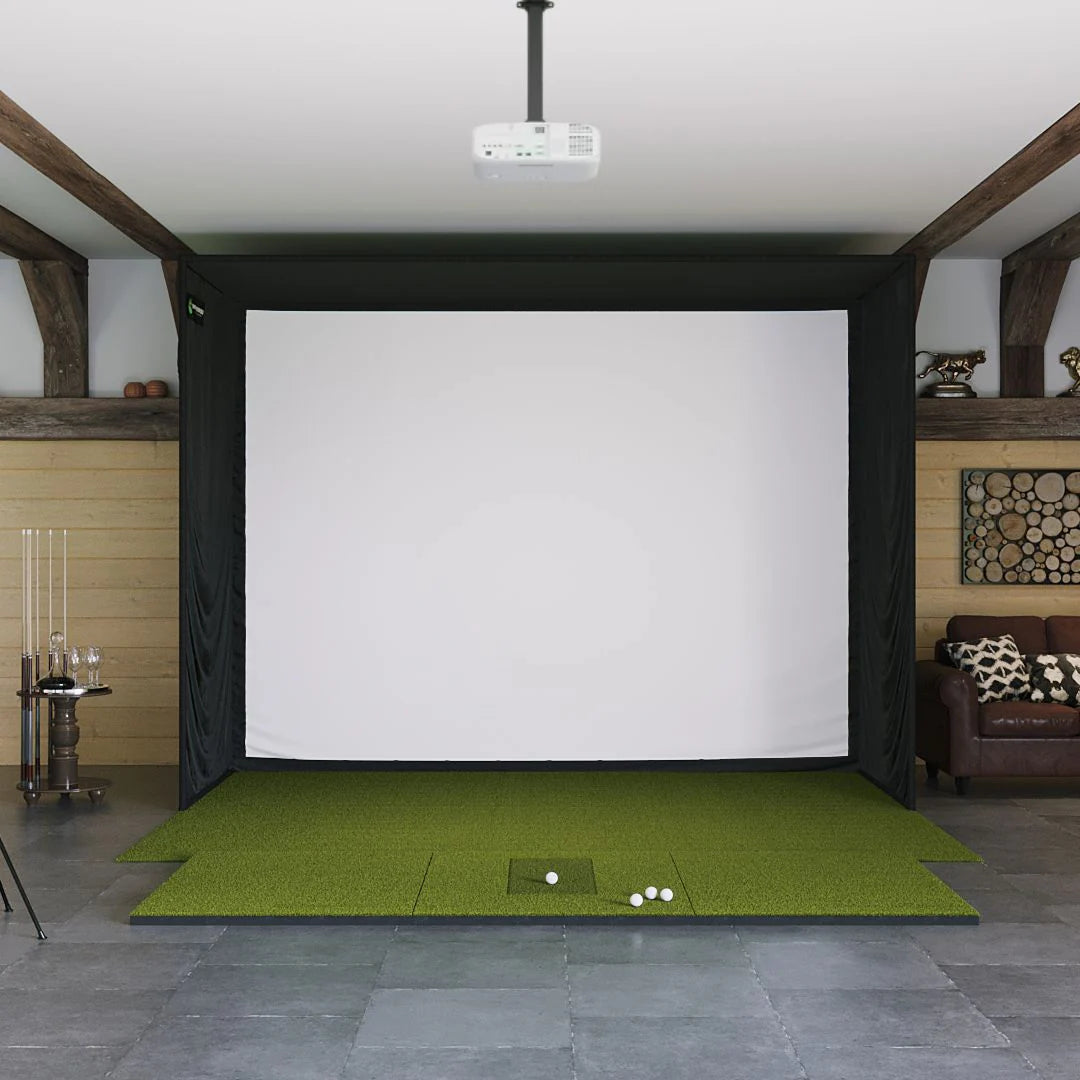
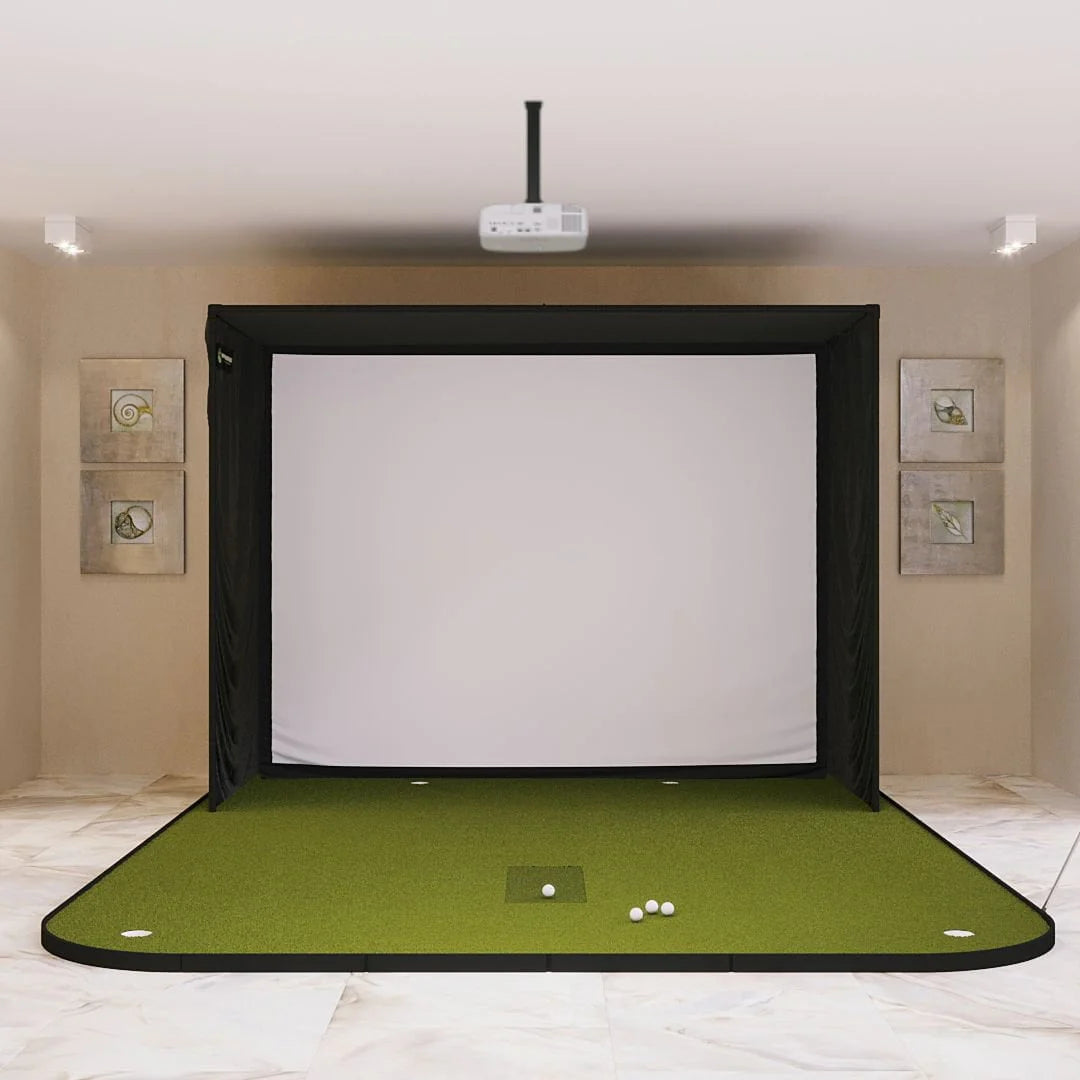
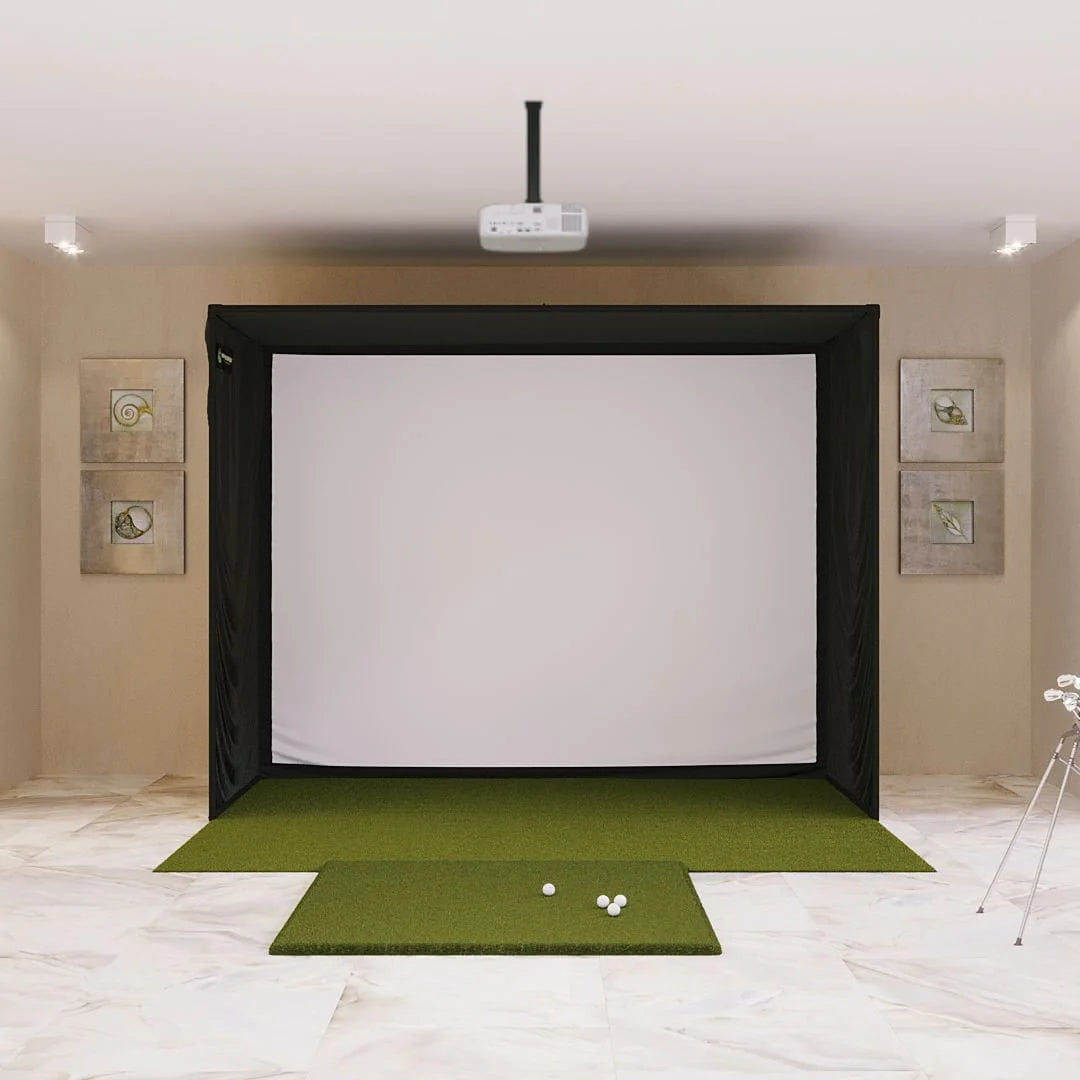
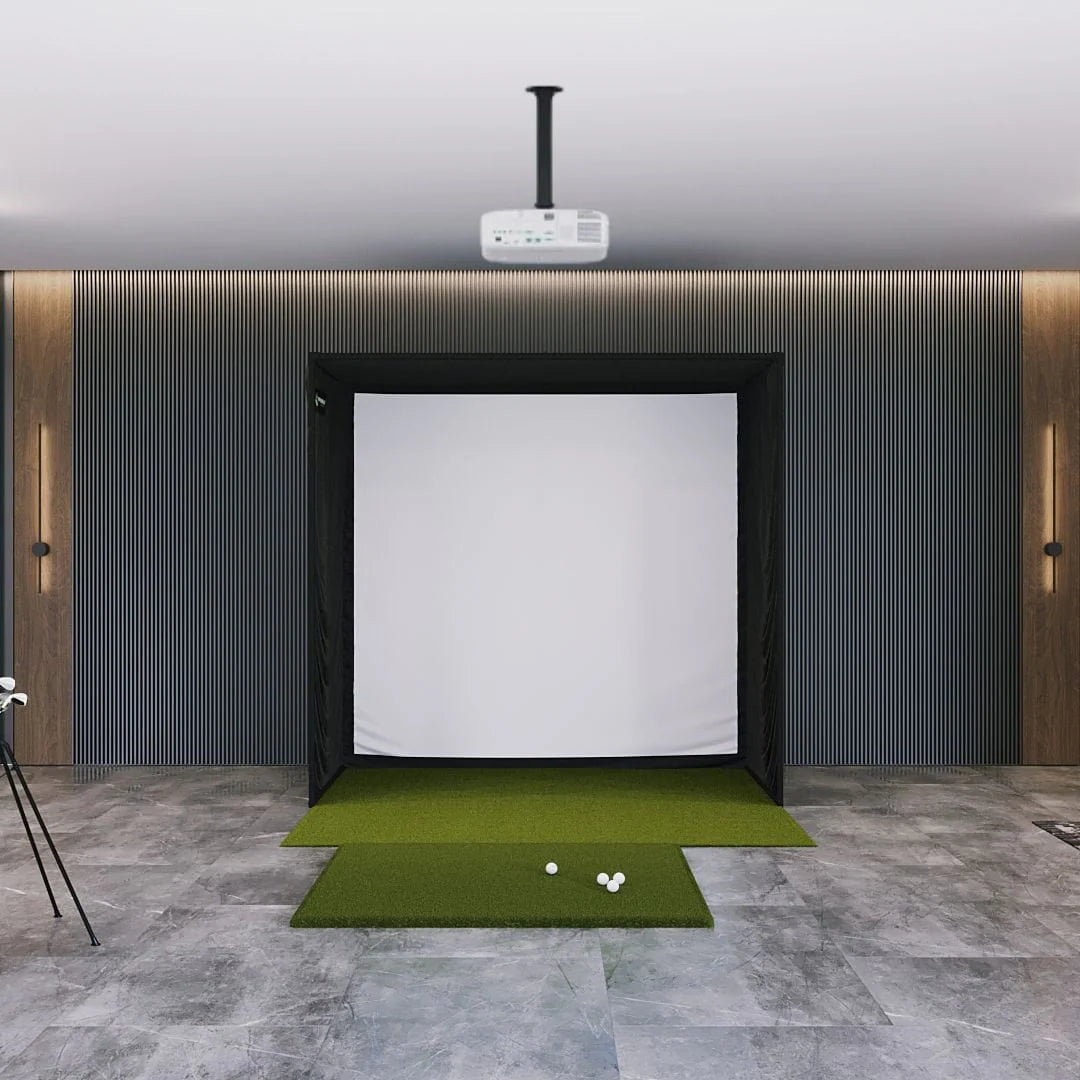
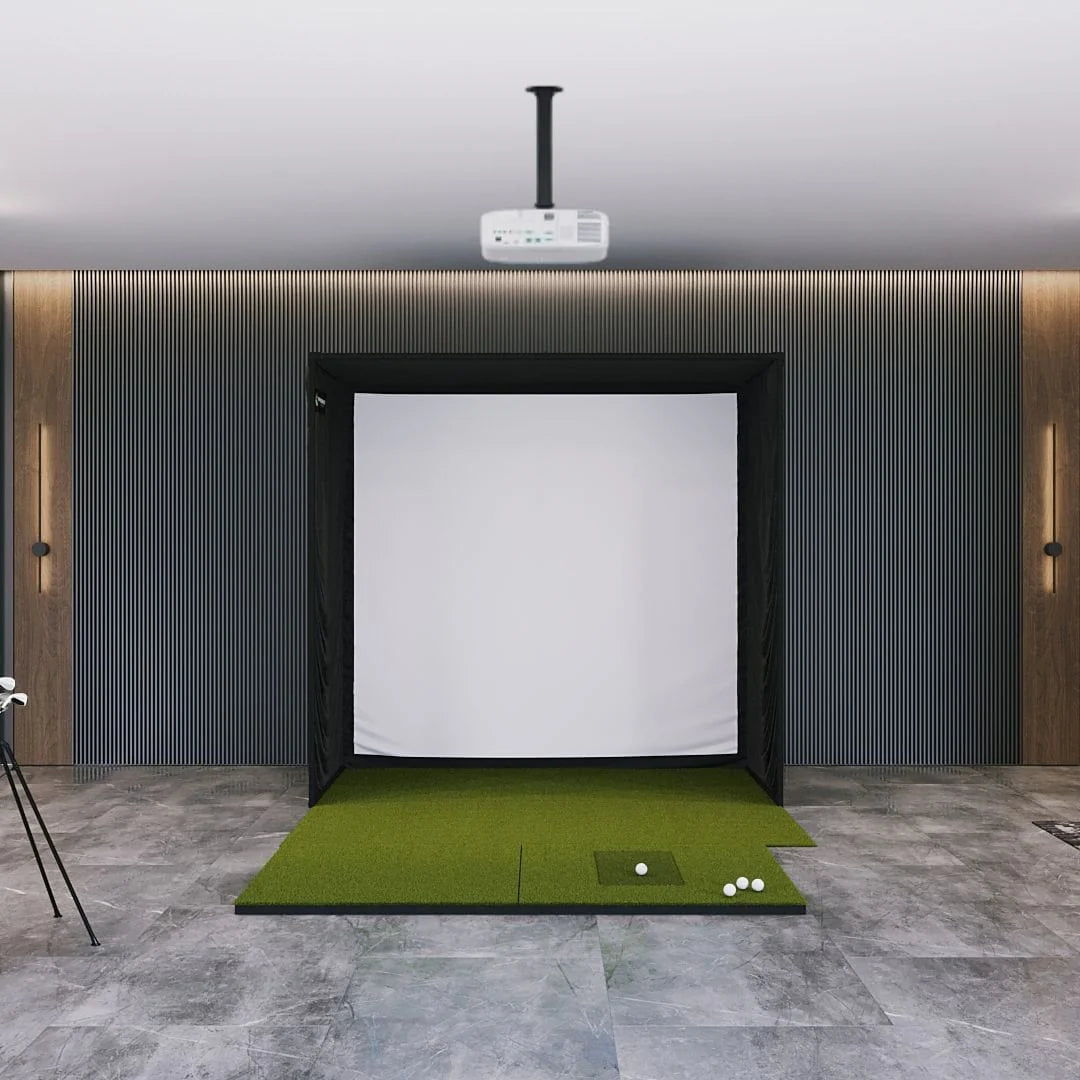
Golf Simulator Enclosures
Complete Golf Simulator Enclosures for Every Space and Budget
Transform any room into a professional indoor golf experience with our curated collection of golf simulator enclosures. Whether you're building a DIY setup in your garage or creating a dedicated golf studio, we offer complete enclosure kits that include everything you need to contain errant shots, mount your projector, and create an immersive golf environment.
What is a Golf Simulator Enclosure?
A golf simulator enclosure is a structured frame with netting or impact screens that creates a safe, dedicated space for indoor golf. These enclosures serve multiple purposes: they protect your walls, ceilings, and belongings from wayward shots, provide a mounting structure for your impact screen and projector, and create an immersive environment that blocks distractions and enhances focus during practice.
Why You Need a Golf Simulator Enclosure
-
Safety First - Contains every shot, protecting walls, windows, and valuables from damage
-
Professional Aesthetics - Creates a dedicated golf space that looks and feels like a real simulator bay
-
Equipment Protection - Shields your expensive projector and launch monitor from stray balls
-
Better Immersion - Blocks visual distractions and defines your playing area
-
Easy Installation - Pre-designed kits eliminate guesswork on measurements and materials
-
Resale Value - A proper enclosure shows you're serious about your setup
Featured Golf Simulator Enclosure Brands:
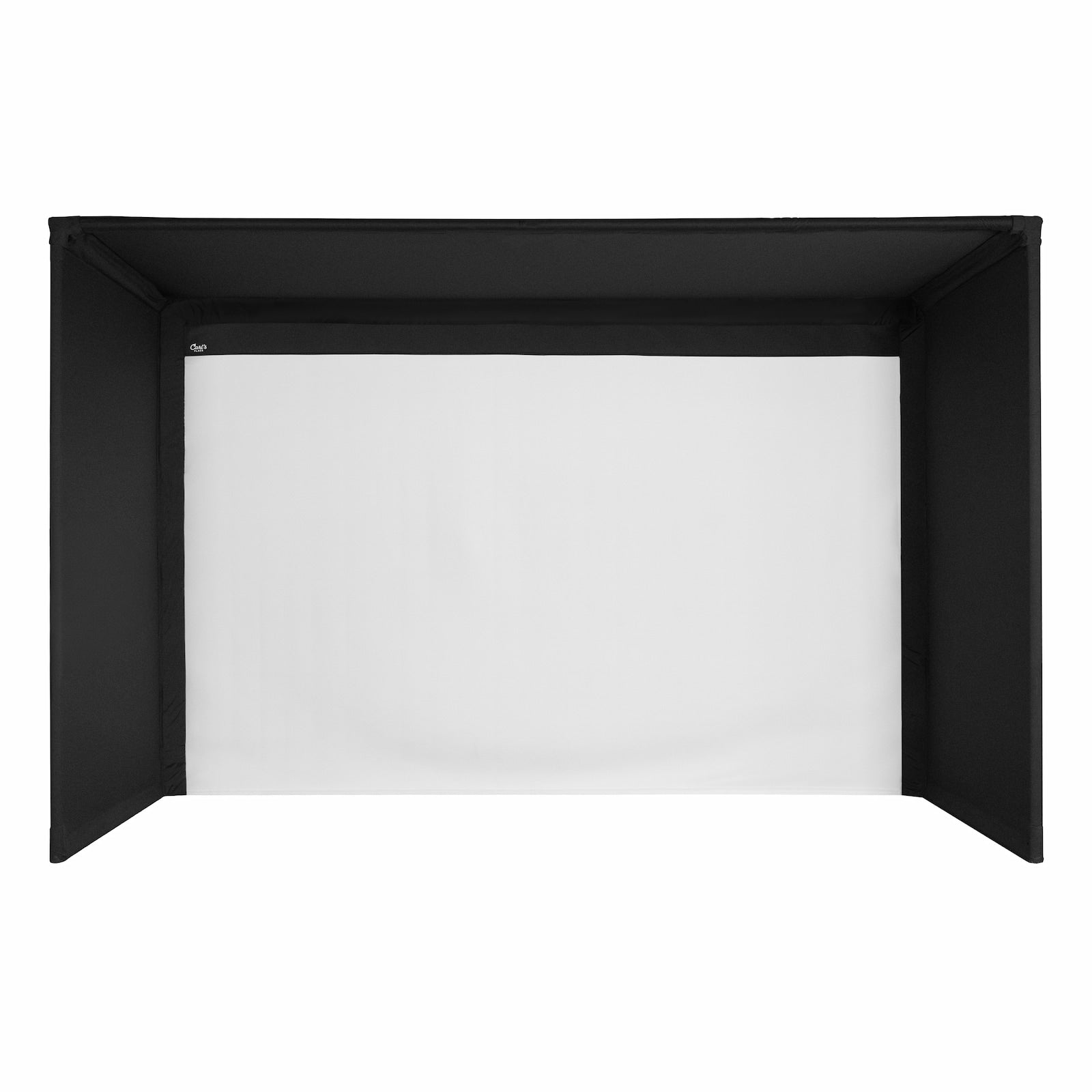
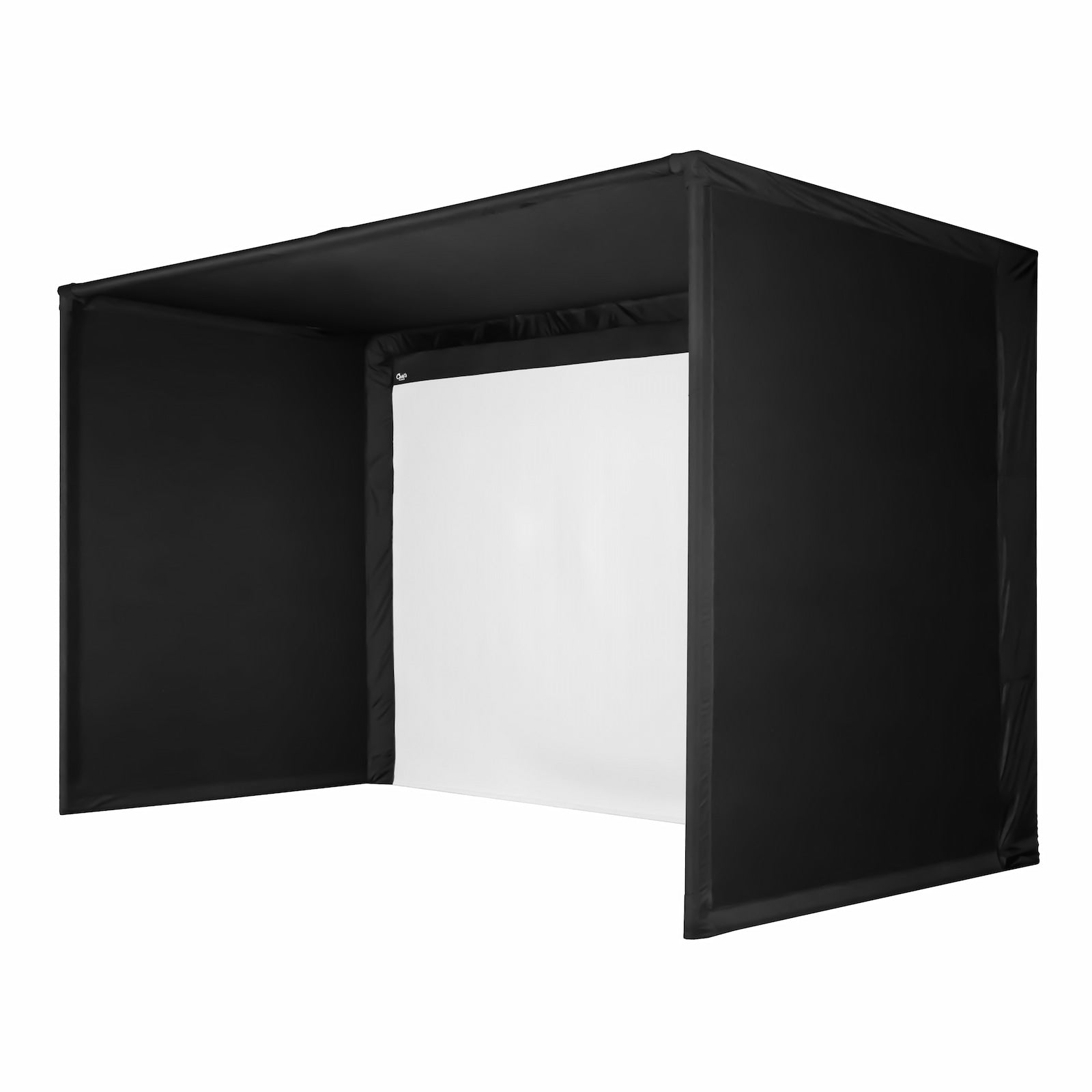
Carl's Place Golf Simulator Enclosures - Industry leader in DIY golf simulator enclosures, Carl's Place offers both entry-level DIY kits and premium Pro packages. The DIY Golf Sim Enclosure with Impact Screen provides everything you need in one box, while the Pro Golf Simulator Enclosure Kit delivers commercial-grade quality for serious golfers.
SIG Golf Simulator Enclosures - Premium enclosure systems available in multiple sizes. The SIG8, SIG10, and SIG12 models accommodate different room dimensions, from compact spaces to full-size bays. Choose between enclosure-only frames or complete studio packages that include impact screens, side netting, and all mounting hardware.
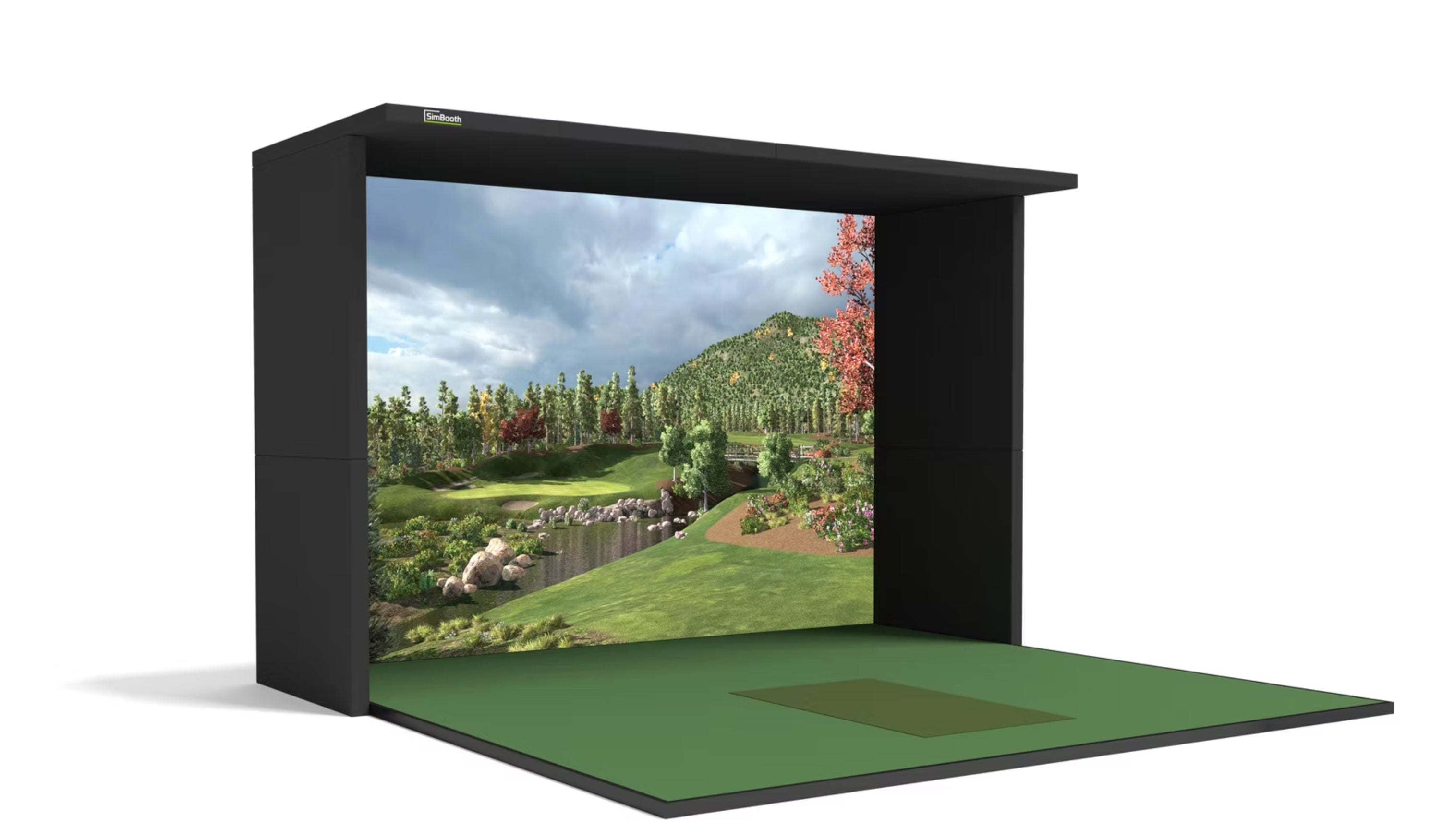
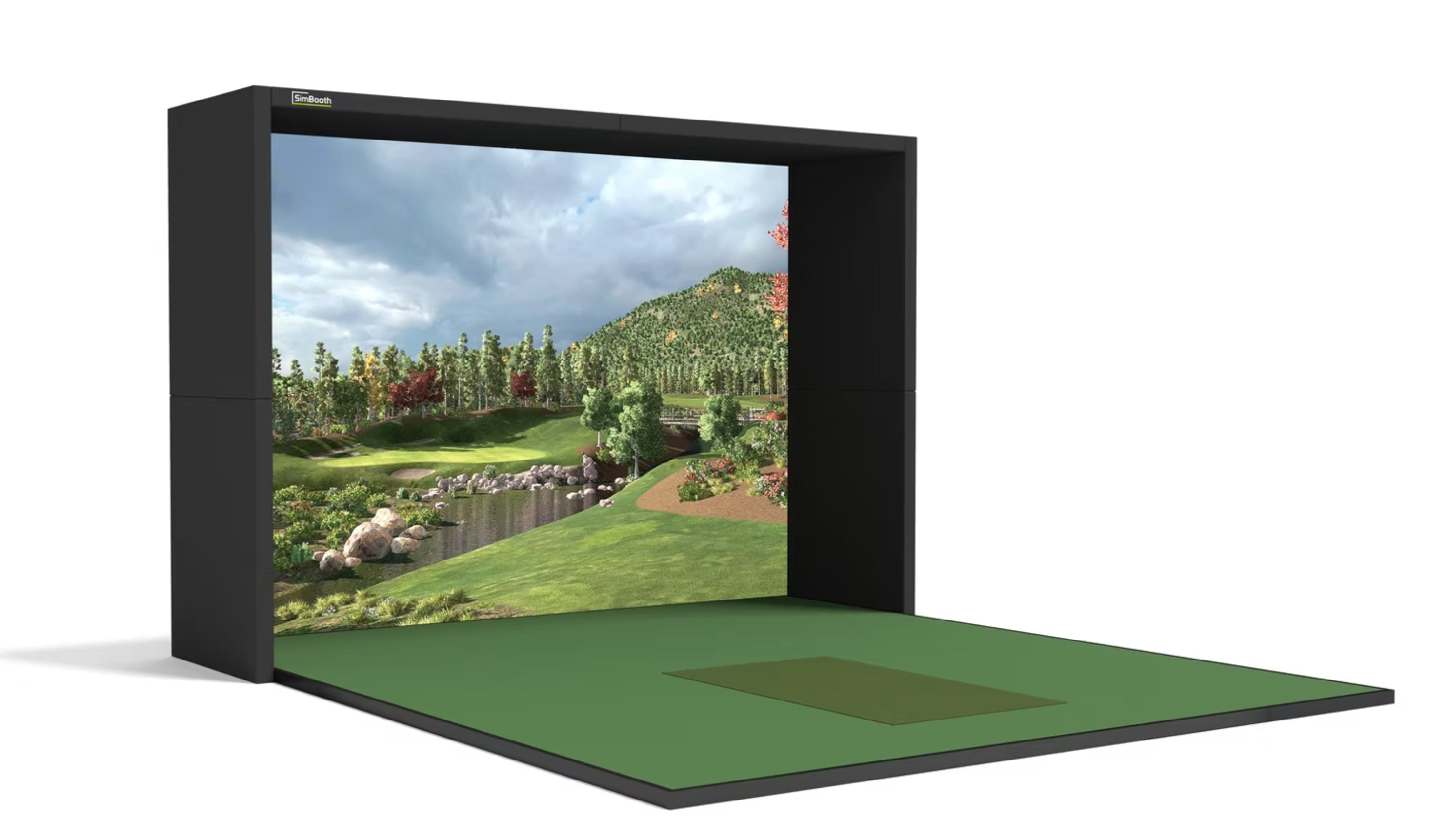
SimBooth Golf Simulator Enclosures - Sleek, modern enclosure designs with the SimBooth 1 and SimBooth 2 options. These professionally engineered enclosures feature clean lines, easy assembly, and modular designs that adapt to your space requirements.
SIGPRO DIY Golf Simulator Enclosure Kit - Budget-friendly option for DIY enthusiasts who want quality construction without the premium price tag. This kit includes all frame components, netting, and hardware for a complete build.
Shop by Enclosure Type:
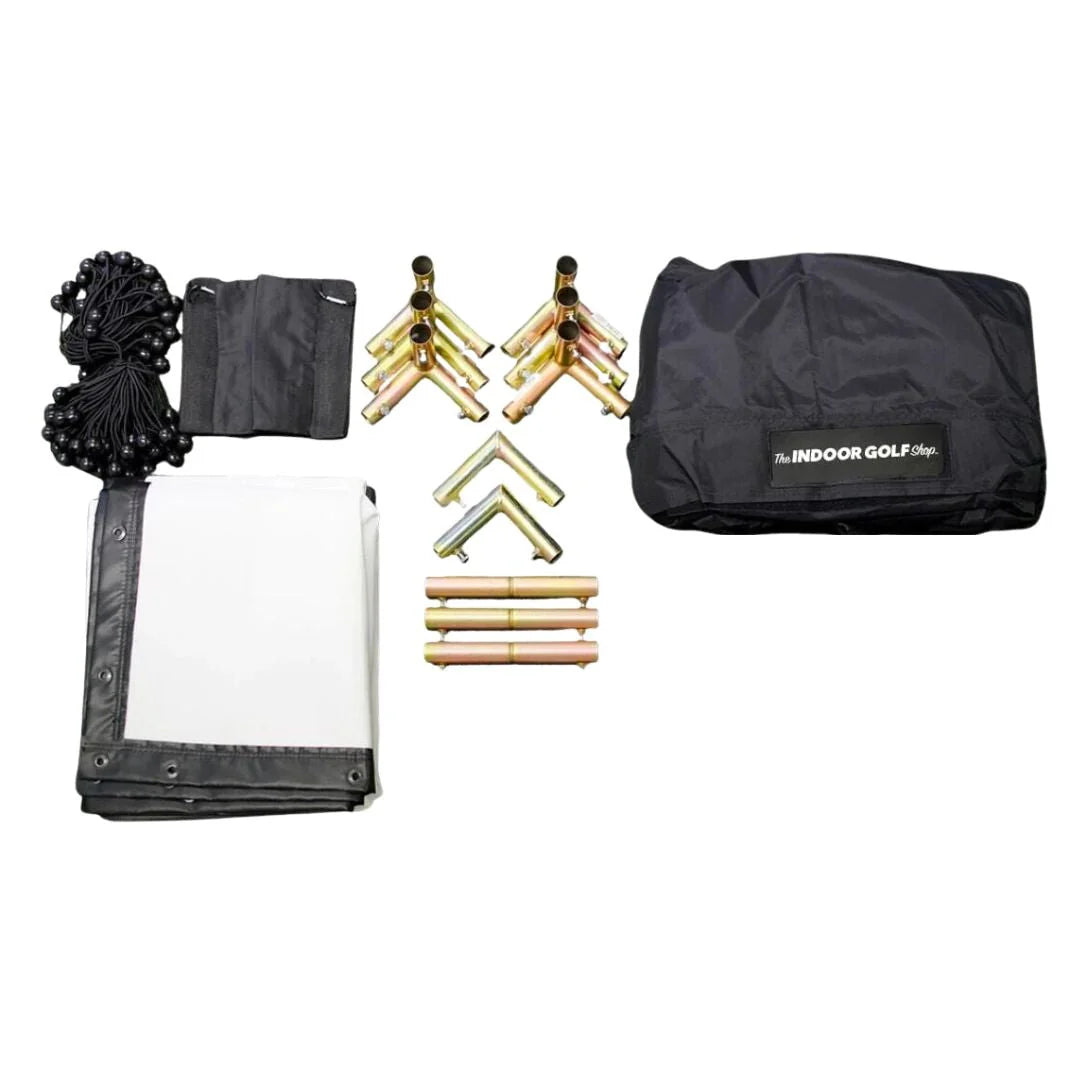
DIY Golf Simulator Enclosures - Perfect for hands-on builders who want quality materials at accessible prices. These kits include pre-cut components, detailed instructions, and all necessary hardware. Typical installation takes 4-8 hours with basic tools.
Complete Studio Packages - All-in-one solutions that include the enclosure frame, impact screen, side and ceiling netting, projector mount, and sometimes even hitting mats. The SIG8, SIG10, and SIG12 Complete Packages eliminate shopping hassles by bundling everything you need.
Enclosure with Impact Screen - Most popular option combining structural frame with high-quality impact screens. Carl's Place DIY and Pro kits include professionally designed screens that handle driver speed while providing excellent projection surfaces.
Enclosure Frames Only - For golfers who already own impact screens or prefer to source their own, standalone frames provide the structure you need. Mix and match with our separate impact screen collection.
Key Features to Consider:
Size Options:
- 8-foot width (SIG8) - Compact spaces and tight budgets
- 10-foot width (SIG10, SimBooth 1) - Standard residential setups
- 12-foot width (SIG12, SimBooth 2) - Spacious rooms and professional feel
- Custom dimensions - Carl's Place offers customization for unique spaces
Material Quality:
- Frame Construction - Powder-coated steel, aluminum, or heavy-duty PVC depending on model
- Netting Strength - Commercial-grade netting rated for driver speeds
- Impact Screen - High-quality materials that absorb shots without excessive bounce-back
- Hardware - Rust-resistant fittings and industrial-strength connections
Installation Considerations:
- Assembly Time - DIY kits: 4-8 hours | Professional installation: 1-2 days
- Tools Required - Basic hand tools for most kits, power drill recommended
- Ceiling Height - Minimum 9 feet, 10+ feet ideal for driver clearance
- Floor Space - Varies by model, typically 10-16 feet deep, 8-12 feet wide
Complete vs DIY: Which is Right for You?
Choose Complete Studio Packages If:
- You want everything in one purchase
- You're new to golf simulators and want compatibility guaranteed
- You value convenience over customization
- Your budget allows for all-inclusive solutions
Choose DIY Enclosure Kits If:
- You enjoy hands-on projects
- You already own some components (screen, projector, mat)
- You want to spread costs over time
- You have specific customization needs
Compatibility with Your Golf Simulator Setup:
All enclosures in our collection work seamlessly with any launch monitor and projector combination. Whether you're pairing with a FlightScope Mevo Plus, overhead Ernest Sports system, or professional-grade units, these enclosures provide the contained space your equipment needs. They're designed to accommodate our full range of golf simulator projectors, with mounting options for ceiling or rear placement.
Room Dimension Guide:
Minimum Space Requirements:
- Depth: 12-16 feet (tee to screen)
- Width: 10-12 feet (swing clearance)
- Height: 9-10 feet minimum (driver clearance)
Recommended Space:
- Depth: 15-18 feet (includes buffer behind hitting area)
- Width: 12-15 feet (comfortable stance and follow-through)
-
Height: 10-11 feet (full clearance plus safety margin)
Carl's Place vs SIG vs SimBooth:
Carl's Place - Best known for exceptional customer service, detailed instructions, and quality materials. The Pro package is their premium offering with commercial-grade components. DIY kit offers outstanding value for budget-conscious builders.
SIG Golf - Premium aesthetics with professional-grade construction. The numbered sizing system (SIG8, SIG10, SIG12) makes choosing easy. Complete studio packages are their specialty, eliminating multiple purchases.
SimBooth - Modern, streamlined designs with tool-free or minimal-tool assembly. Focus on clean appearance and modular expandability. Perfect for finished basements and visible spaces.
SIGPRO - Value-focused DIY option without sacrificing quality. Best for builders comfortable with assembly who want to save money on their enclosure investment.
What's Included in Complete Packages:
Most complete studio packages include:
- Powder-coated metal frame with all connectors
- High-quality impact screen (proper size for frame)
- Side barrier netting (left and right protection)
- Ceiling netting (overhead shot protection)
- Projector mounting bracket or plate
- Ground stakes or flooring anchors
- Complete assembly instructions
- All necessary hardware and fasteners
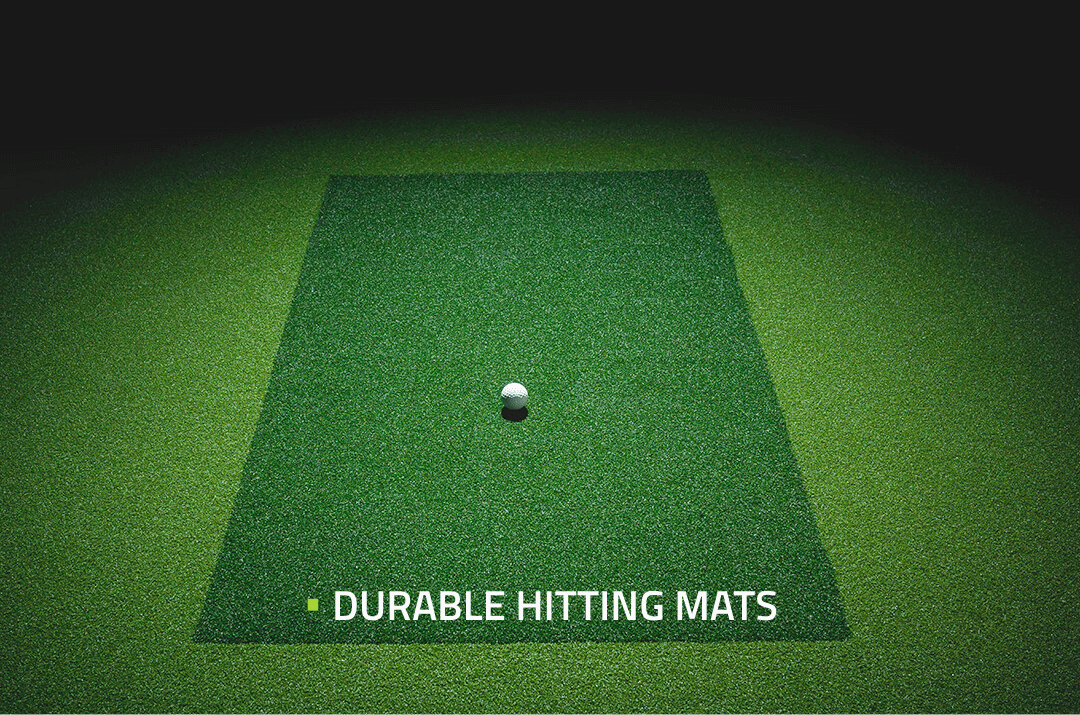
Some packages also include hitting mats, though we recommend reviewing what's included in your specific model.
DIY Assembly Tips:
- Clear the space completely before starting - you'll need room to lay out components
- Organize hardware - separate screws, bolts, and connectors before beginning
- Follow instructions sequentially - don't skip ahead, even if it seems obvious
- Use a level - ensure frame is square and plumb for best screen tension
- Have a helper - two people make assembly significantly easier
-
Allow 6-8 hours for first-time builders, 4-5 hours if experienced
Upgrade Your Home Golf Experience:
A proper golf simulator enclosure transforms a collection of equipment into a legitimate practice facility. The containment, structure, and professional appearance elevate your entire setup, making practice sessions more enjoyable and productive. Whether you choose an entry-level DIY kit or a premium complete studio, you're investing in safety, aesthetics, and peace of mind.
Protect Your Investment:
Golf simulator projectors cost $1,000-$5,000, launch monitors range from $500-$20,000, and impact screens run $200-$1,500. A shanked shot without proper enclosure can damage any of these in an instant. A quality enclosure pays for itself the first time it catches that wild hook or unexpected thin shot.
Browse our complete collection of golf simulator enclosures and find the perfect frame for your indoor golf setup. Pair with our launch monitors and projectors for a complete, professionally designed system.
FAQ:
What is a golf simulator enclosure?
A golf simulator enclosure is a frame structure with netting and impact screens that creates a contained space for indoor golf. It's basically a safety cage that catches all your shots—even the shanks—while providing mounting points for your projector and screen. Think of it as the "walls" of your indoor golf bay that protect your actual walls, ceiling, and equipment.
Do I really need an enclosure for my golf simulator?
Yes, unless you enjoy explaining golf ball dents to your spouse. Even good golfers hit wayward shots during practice. An enclosure protects your room from damage, shields your expensive projector from errant balls, and creates a defined practice space. I've seen too many setups without enclosures that end with broken TVs, cracked drywall, or destroyed projectors. It's not worth the risk.
What size golf simulator enclosure do I need?
Most home setups work best with 10-12 foot wide enclosures like the SIG10 or SimBooth 1. If you have a smaller room or budget, 8-foot models like the SIG8 work but feel tighter. Larger 12-foot enclosures like the SIG12 give you that commercial bay feeling. For depth, you need 12-16 feet from tee to screen. Height should be at least 9 feet, though 10+ feet is ideal for driver clearance.
What's the difference between Carl's Place and SIG enclosures?
Carl's Place is known for excellent DIY options and customer service—their kits include everything with detailed instructions. The Pro package is their premium commercial-grade option. SIG focuses on complete studio packages with numbered sizing (SIG8, SIG10, SIG12) that include frame, screen, and netting. Both are quality brands; Carl's Place is better for DIYers, SIG excels at all-in-one packages.
Can I build my own golf simulator enclosure?
Absolutely, and many golfers do! DIY kits like the Carl's Place DIY Golf Sim Enclosure or SIGPRO DIY Kit include pre-cut materials and instructions. You'll need basic hand tools and about 6-8 hours. The key is getting the measurements right and ensuring the frame is square and level. DIY saves money but requires patience and some handy skills.
How much does a golf simulator enclosure cost?
Golf simulator enclosures range from $800 for basic DIY frames to $3,000-$5,000 for complete studio packages with screens and netting included. Carl's Place DIY kits start around $1,200-$1,500. SIG complete studio packages run $2,500-$4,500 depending on size. SimBooth models fall in the $1,800-$3,200 range. Factor in whether you need the impact screen included or already own one.
What's included in a complete golf simulator enclosure package?
Complete packages like the SIG Studio packages include the metal frame, impact screen, side netting, ceiling netting, projector mount, and all hardware. Basically everything except the projector, launch monitor, and hitting mat. This eliminates compatibility concerns and multiple shopping trips. DIY kits may only include the frame and netting, requiring you to purchase the impact screen separately.
How long does it take to install a golf simulator enclosure?
For DIY kits, plan on 6-8 hours for your first build with a helper. Experienced builders or second installations take 4-5 hours. Complete studio packages often take longer (8-10 hours) because there are more components to assemble. Professional installation typically takes 1-2 days. The actual assembly isn't difficult, but there are many pieces that need to go together in the right order.
Can a golf simulator enclosure fit in my garage?
Most two-car garages work perfectly for golf simulator enclosures. You need minimum 10 feet width, 12-16 feet depth, and 9+ feet height. A standard two-car garage is typically 20x20 feet, which gives you plenty of room for a SIG10 or SimBooth 2 enclosure. Single-car garages are tight but can work with 8-foot wide models like the SIG8 if you're careful with measurements.
Do I need to mount the enclosure to my ceiling?
Most enclosures can be either freestanding with weighted bases or ceiling-mounted for maximum stability. Ceiling mounting is more secure and gives you taut netting, but requires drilling into joists. Freestanding works fine if you can't or don't want to drill, though you may need sandbags or weights at the base. The SIG and Carl's Place systems offer both options.
What's better: an enclosure with impact screen included or buying separately?
If you're new to golf simulators, get the complete package with the impact screen included—it guarantees everything fits and works together. Companies like Carl's Place and SIG design their screens specifically for their frames. Buying separately only makes sense if you already own a screen, need a specialty screen, or are spreading costs over time.
Can I use my golf simulator enclosure outdoors?
Golf simulator enclosures are designed for indoor use. The impact screens and netting can be damaged by UV exposure, rain, and temperature fluctuations. If you want outdoor practice, look at portable nets and radar-based launch monitors like the FlightScope Mevo Plus that don't need enclosures. Save your enclosed simulator setup for climate-controlled indoor spaces.
How do I choose between SIG8, SIG10, and SIG12?
It's all about your room size and budget. SIG8 (8 feet wide) works for compact spaces but feels tight for taller golfers or aggressive swings. SIG10 (10 feet) is the sweet spot for most home setups—enough room without being excessive. SIG12 (12 feet) gives you that commercial simulator bay feeling and is perfect if you have the space and budget. Measure your room first, then choose the largest that comfortably fits.
Will an enclosure work with any launch monitor?
Yes! Golf simulator enclosures are equipment-agnostic. They work with FlightScope, Ernest Sports, RSG, TrackMan, or any other launch monitor. The enclosure just provides the contained space and screen—your launch monitor sits inside it (usually 6-10 feet from the screen depending on the model). Just make sure your enclosure has adequate depth for your specific launch monitor's requirements.
What if I hit the side netting instead of the screen?
That's exactly what the netting is for! Side and ceiling netting on enclosures is designed to catch mishits safely. The netting is strong enough to stop full driver shots. You might hear a loud "thwack" but the ball will drop harmlessly. This is why you need an enclosure—everyone hits it occasionally, even pros during practice.
Can I customize my golf simulator enclosure?
Some brands offer customization. Carl's Place is known for custom sizing and modifications to fit unique spaces. SIG's numbered system (SIG8, SIG10, SIG12) is more standardized but you can sometimes add components. For most golfers, standard sizes work fine. If you have an unusual space (low ceilings, narrow room, L-shaped area), reach out before ordering—many companies will work with you.
Is a golf simulator enclosure worth the investment?
Absolutely. I've seen what happens without enclosures—shattered projectors ($2,000 replacement), damaged walls (hundreds in repairs), and broken windows. A quality enclosure costs $1,200-$4,000 depending on the package, and it protects thousands of dollars in equipment while making your simulator space look professional. It's not optional equipment; it's essential safety infrastructure.


