
SkyTrak Launch Monitors | SkyTrak MAX & SkyTrak +
Filter
Sort by
SkyTrak Launch Monitors
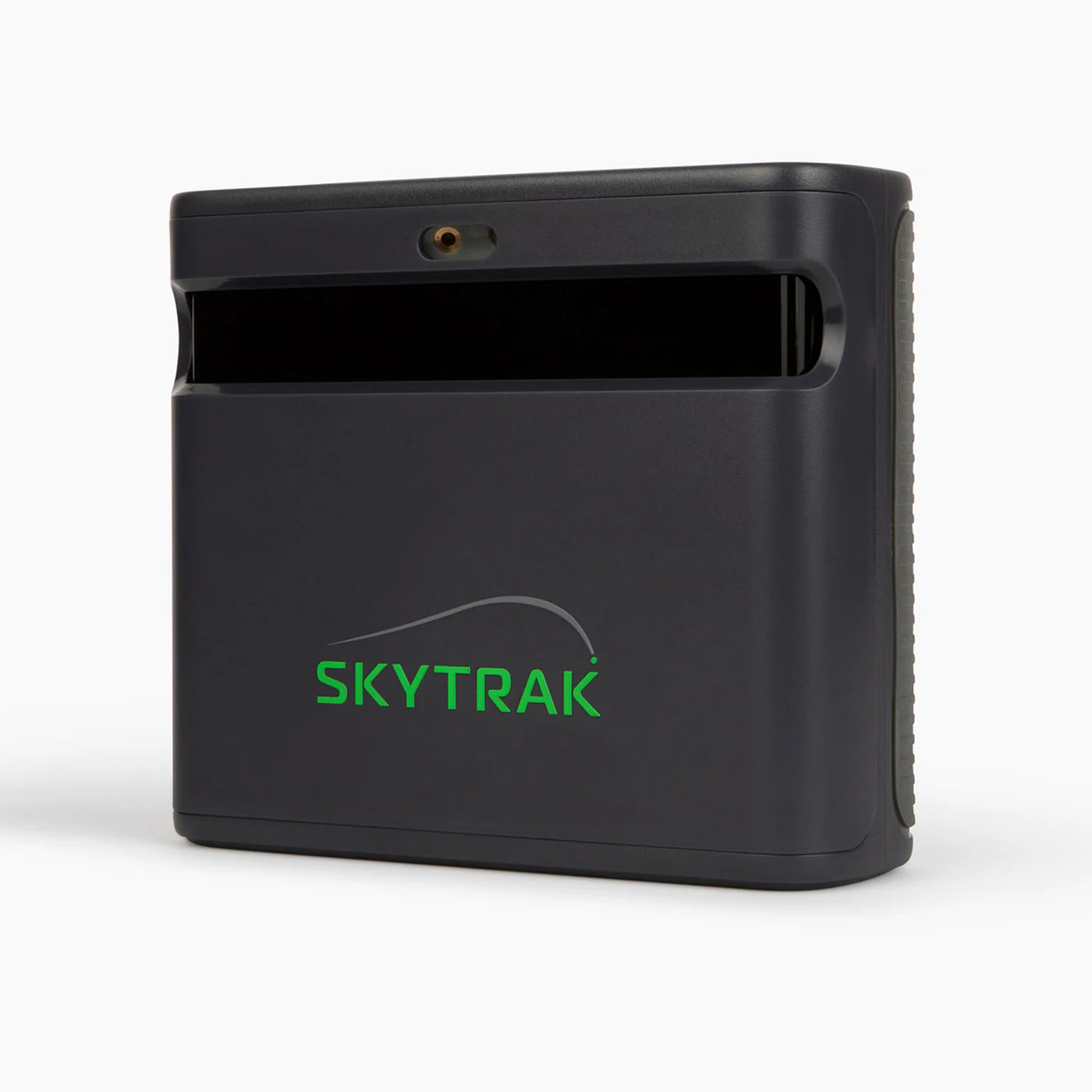
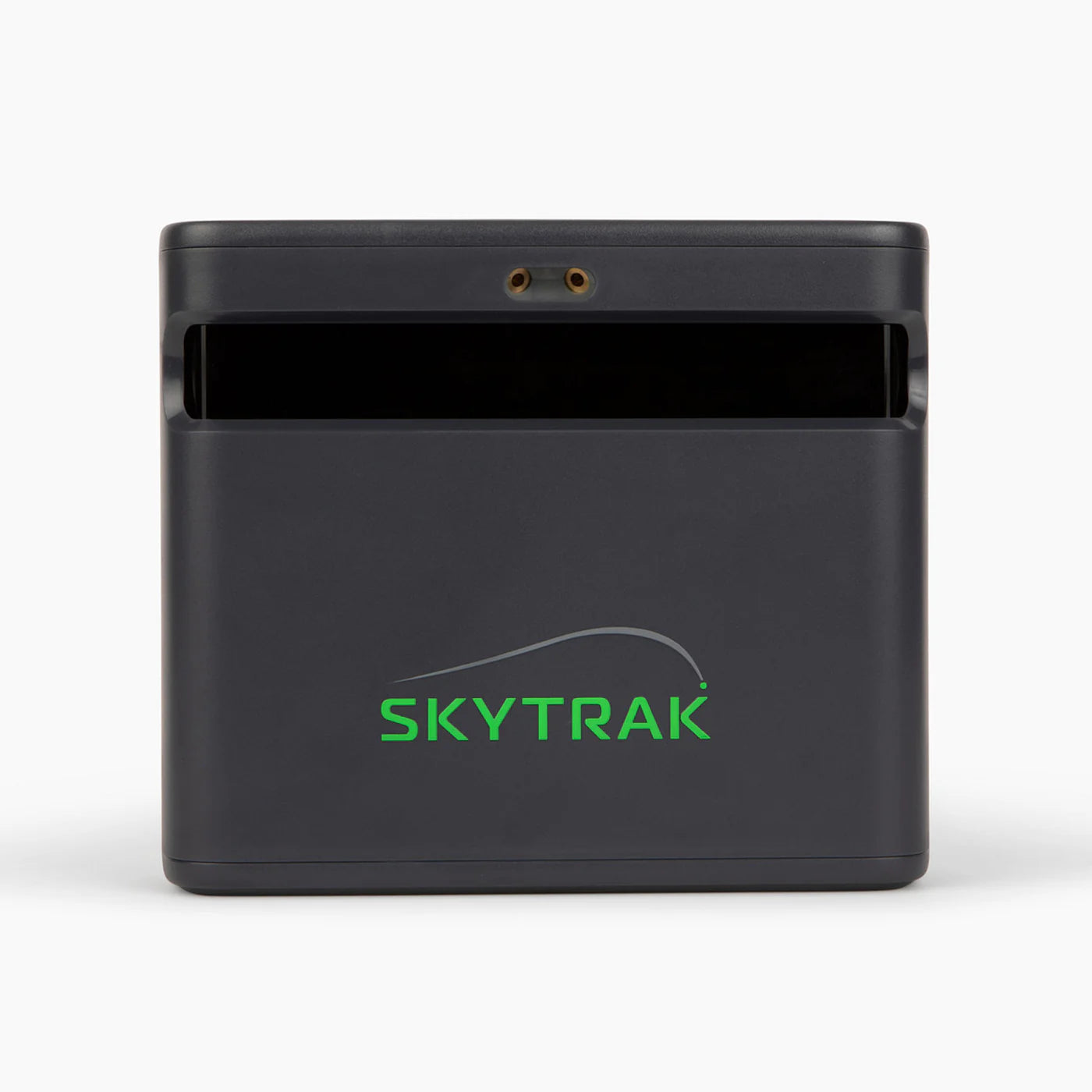
SkyTrak has long been one of the most trusted names in home golf simulation, known for delivering pro-level accuracy at a fraction of the cost of $20,000+ commercial systems. Both models in the lineup - the SkyTrak+ and the flagship SkyTrak MAX, combine dual Doppler radar with camera-based tracking to capture full ball and club data, including club metrics captured without stickers or markers on your clubs.
Below, we break down the difference between SkyTrak MAX and SkyTrak+, what's included with each, and answers to the questions we hear most from golfers shopping this category.
Which SkyTrak Launch Monitor Is Right for You?
SkyTrak+ - Best Value for Serious Home Simulator Golfers
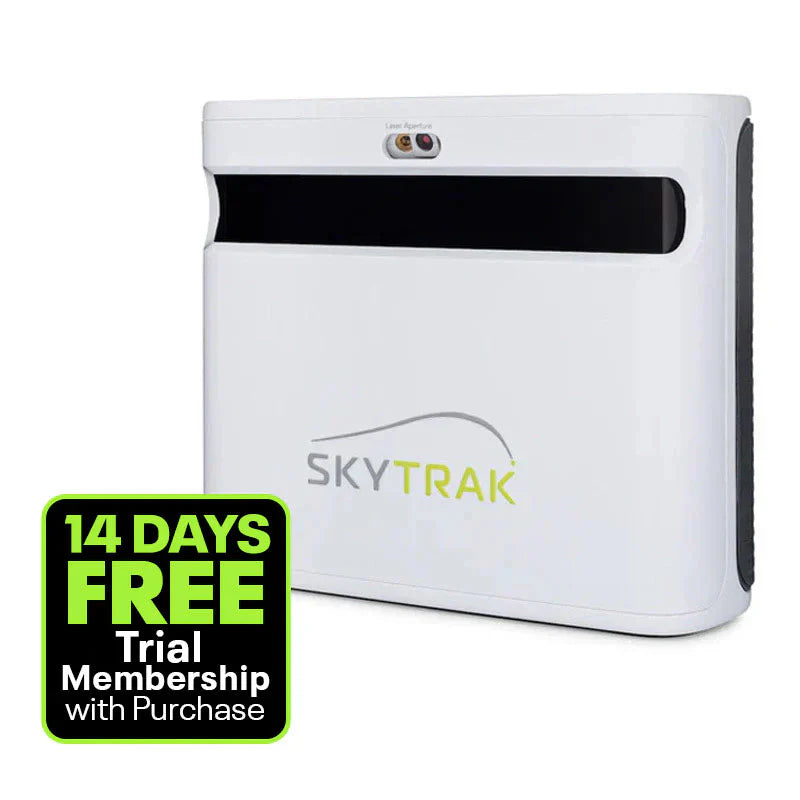
The SkyTrak+ (sometimes called the ST+) pairs dual Doppler radar with a light-sensitive camera to capture both ball flight and full club data - club head speed, smash factor, club path, and face angle, all without needing stickers on your clubs. It's compact, works indoors or outdoors, runs on a built-in rechargeable battery, and connects over Wi-Fi or Micro-USB. If you want SkyTrak's core tracking accuracy at the more accessible price point, this is the one to build around.
Best for: Golfers who want full ball + club data without paying for MAX-exclusive extras.
SkyTrak MAX - Best for Golfers Who Want Built-In Coaching & Game Improvement Tools
The SkyTrak MAX uses the same core dual radar + camera tracking as the SkyTrak+, but adds a more complete data set (including Face-to-Path and Face-to-Target, on top of everything the ST+ captures) and a suite of game-improvement features the ST+ doesn't have. Most notably, it's the only launch monitor in its class with Speed Training powered by GOLFTEC - guided drills with measurable feedback to help you build swing speed and gain distance. It also includes an Enhanced Shot Optimizer with color-coded shot scoring and tutorials from Golf Digest Top 50 teacher Nick Clearwater, plus shot benchmarking against millions of shots in SkyTrak's database.
Best for: Golfers who want built-in coaching, structured practice tools, and the most complete data set SkyTrak offers.
SkyTrak+ vs. SkyTrak MAX: Quick Comparison
| SkyTrak+ | SkyTrak MAX | |
|---|---|---|
| Tracking | Dual Doppler radar + camera | Dual Doppler radar + camera |
| Club data without stickers | Yes | Yes |
| Club data points | Club head speed, smash factor, club path, face angle, face-to-path | Adds face-to-target on top of ST+'s data set |
| Speed Training powered by GOLFTEC | Not included | Exclusive to MAX |
| Shot Optimizer & Nick Clearwater tutorials | Basic aiming/color guidance | Enhanced version with shot benchmarking |
| Indoor/outdoor use | Yes | Yes |
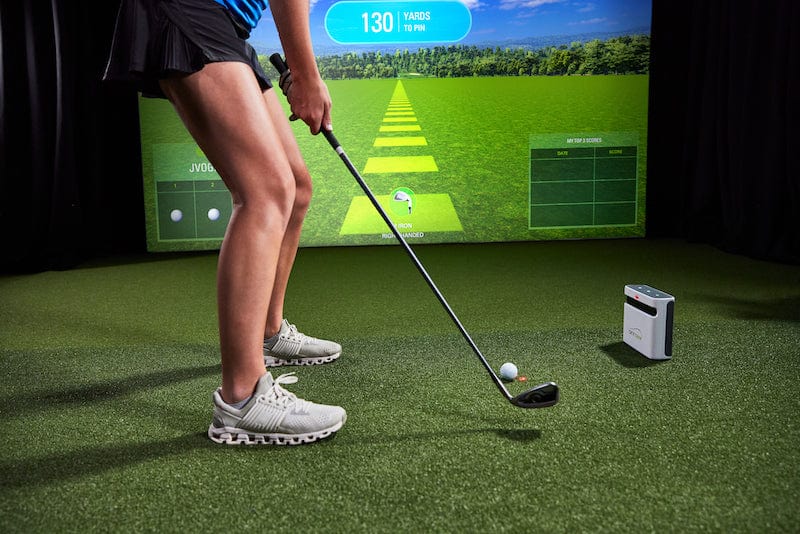
| Positioning | To the side of the ball | 12" to either side of the tee |
What's Included
SkyTrak+:
- SkyTrak+ launch monitor
- USB cables (charging/data)
- Quick Start Guide
- SkyTrak Basic Software + entry to the online simulator
- 14-day free access to Sweetens Cove and Game Improvement tools
SkyTrak MAX:
- SkyTrak MAX launch monitor
- SkyTrak App (iOS and Android)
- SkyTrak Basic Software
- USB cable
- User Manual
- 14-day free access to Sweetens Cove, plus all Game Improvement features including GOLFTEC Practice Ranges
Note for both models: A protective case is sold separately and is required to maintain your warranty against ball strike damage. At least the Essentials software plan is required to access third-party simulator software, purchased directly through SkyTrak.
How SkyTrak's Radar + Camera Tracking Works
SkyTrak's launch monitors sit near the hitting zone, slightly ahead and to the side of the ball. A camera captures images at the moment of impact and through the first few inches of ball flight to calculate ball speed, spin, and launch angle, while dual Doppler radars track the club through the swing to capture path, face angle, and clubhead speed. This hybrid approach is part of why SkyTrak has built a reputation for accuracy that rivals systems costing significantly more, see our How Accurate Are Golf Simulators guide for more on how launch monitor accuracy is actually tested and measured.
Frequently Asked Questions
What's the main difference between SkyTrak+ and SkyTrak MAX?
Both use the same core dual radar + camera tracking and capture full club data without stickers. The MAX adds a wider data set (including face-to-target), Speed Training powered by GOLFTEC, exclusive to the MAX, and an enhanced Shot Optimizer with shot benchmarking against SkyTrak's shot database.
Do SkyTrak launch monitors capture club data without stickers?
Yes. Both the SkyTrak+ and SkyTrak MAX capture full club metrics - including club head speed, path, and face angle, without needing markers or stickers on your clubs.
Can I use SkyTrak indoors and outdoors?
Yes, both models are designed to work indoors and outdoors.
Do I need the protective case?
It's sold separately, but it's required to maintain your warranty against ball strike damage. Without it, ball strike damage isn't covered.
Is SkyTrak accurate enough for serious practice?
Yes. SkyTrak's hybrid radar + camera tracking has been tested against robot-swing benchmarks and holds up closely against launch monitors costing significantly more. Read more in our How Accurate Are Golf Simulators guide.
Do I need a software subscription to use third-party simulator software?
Yes, at minimum, the Essentials software plan is required to connect SkyTrak to third-party simulator software, purchased directly through SkyTrak.


