
Flightscope Mevo+, Mevo, X3 | Best Portable Golf Launch Monitors
Filter
Sort by
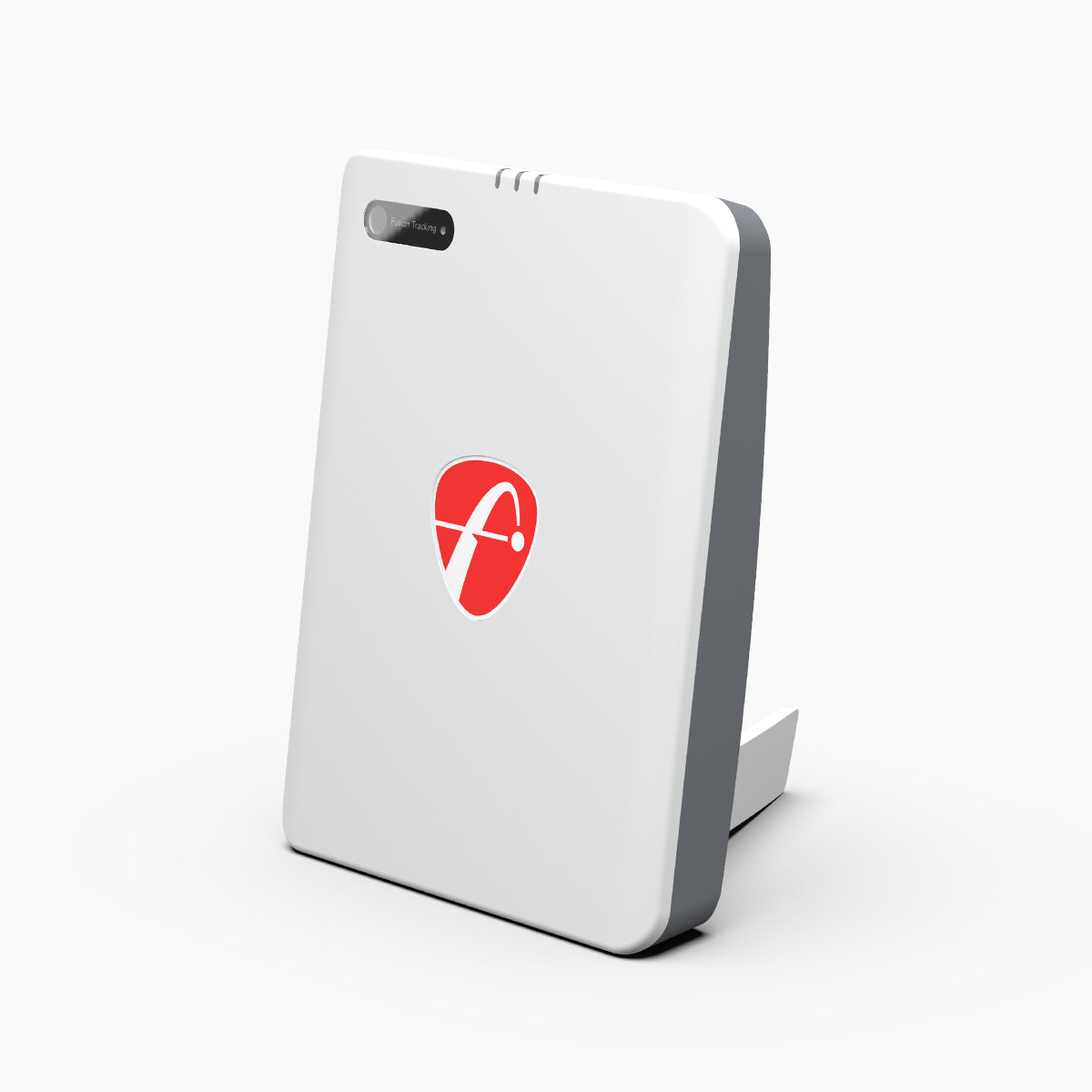
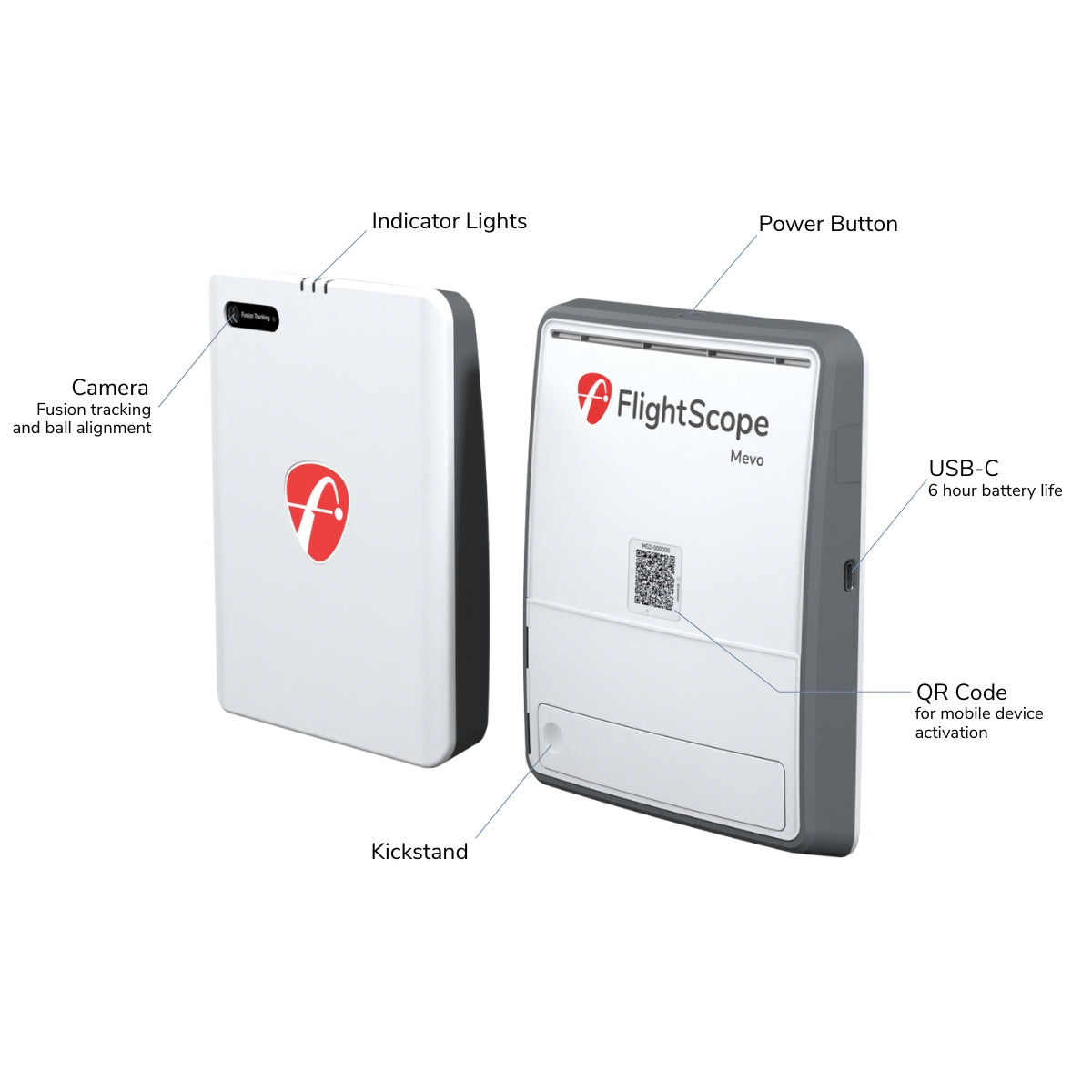

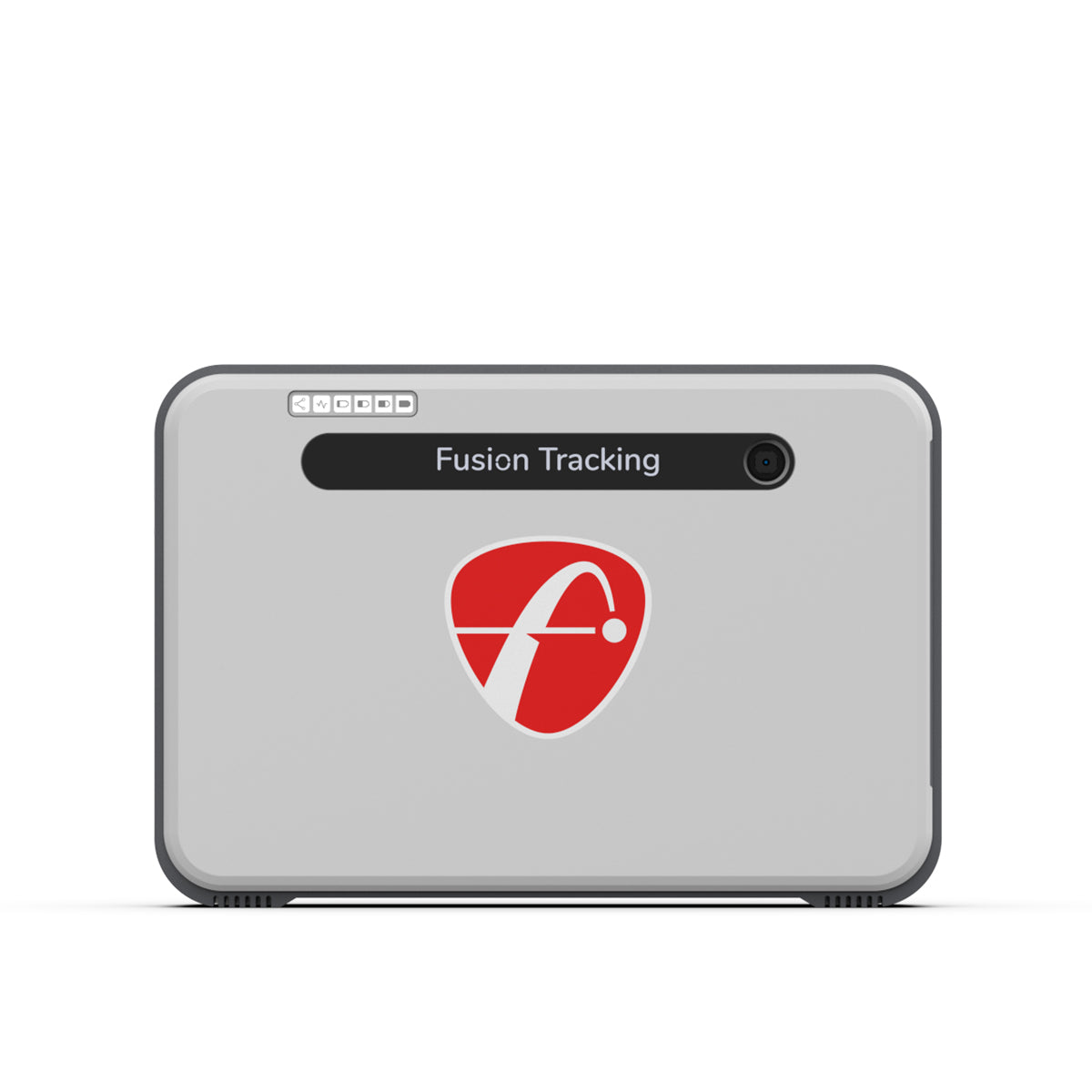
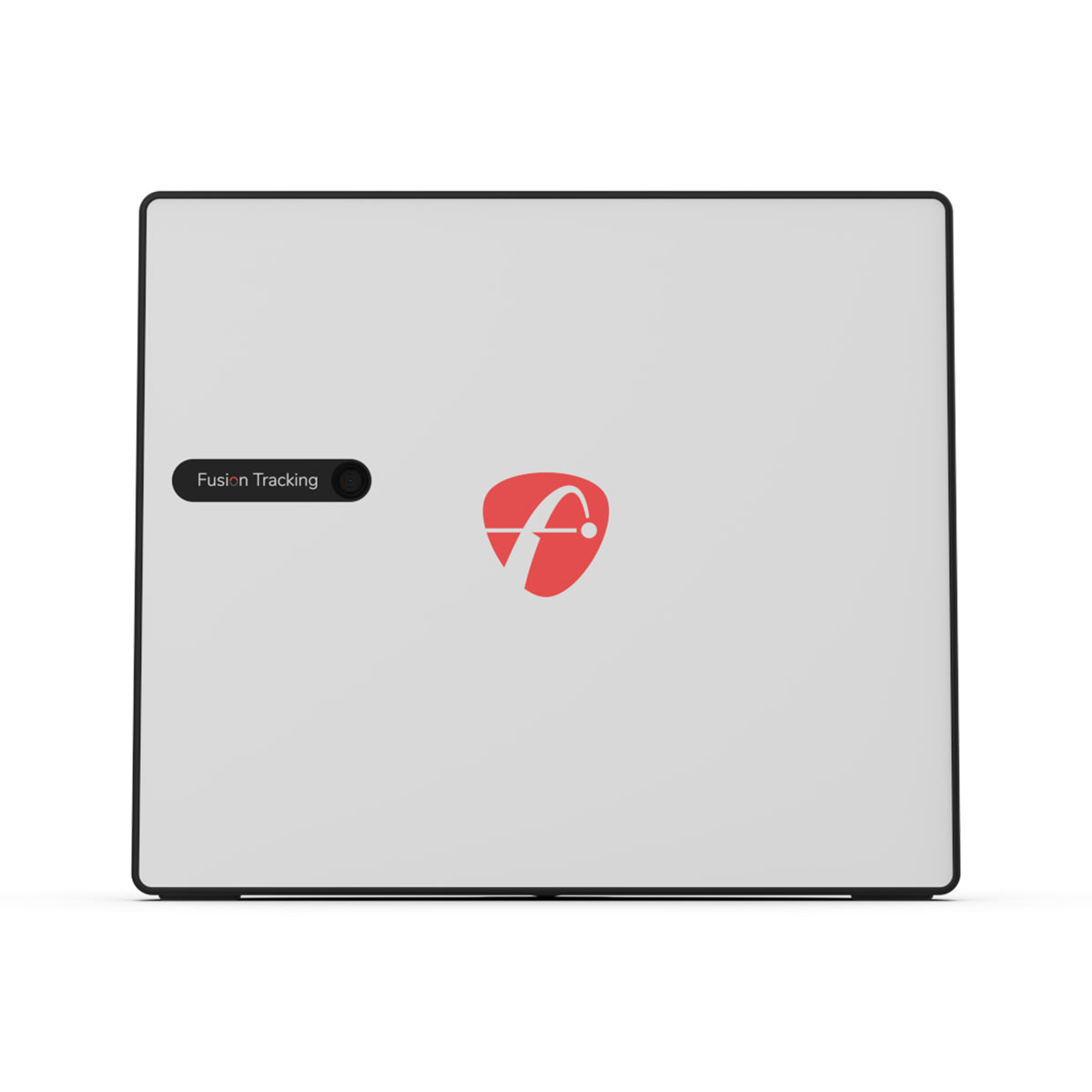
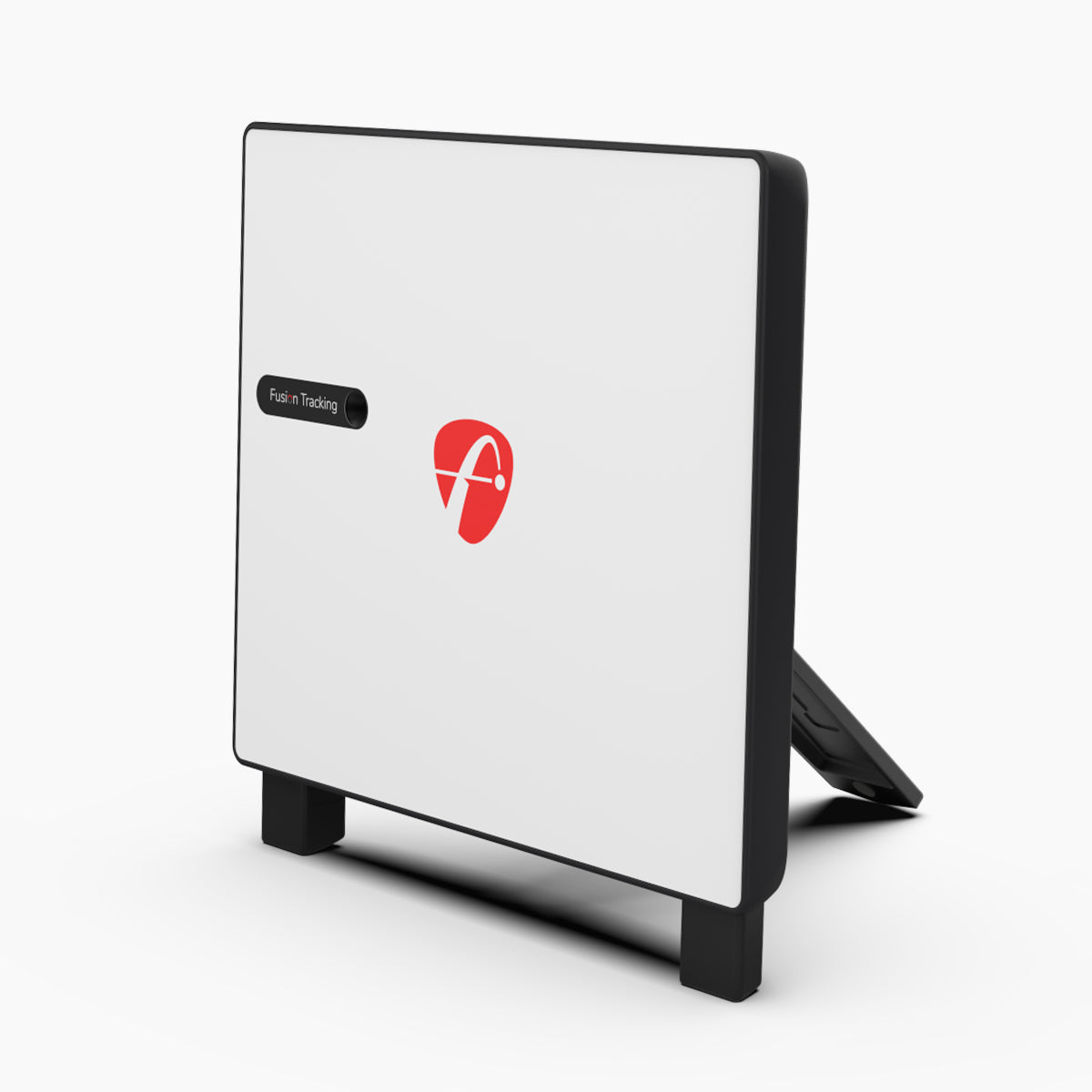
FlightScope Launch Monitors
FlightScope is one of the most trusted names in launch monitor technology, using advanced Doppler radar tracking to deliver tour-level ball and club data. Whether you're building a home golf simulator, sharpening your practice sessions, or fitting clubs for clients, FlightScope's lineup - from the beginner-friendly Mevo Gen2 to the tour-grade X3 - has a model built for your game and your budget.
Below, we break down which FlightScope launch monitor fits your needs, how they compare, and answers to the most common questions we get from golfers shopping this category.
Which FlightScope Launch Monitor Is Right for You?
FlightScope Mevo Gen2 - Best for Beginners & Casual Golfers
The Mevo Gen2 is FlightScope's entry point into radar-based launch monitor technology. It's compact, portable, and ideal for golfers who want reliable ball flight data - carry distance, ball speed, launch angle, spin rate - without paying for club-data features they won't use. It works well for outdoor range sessions and casual practice, making it a smart first launch monitor for beginners or golfers testing the waters before investing in a full simulator setup.
Do you need help Choosing the right portable launch monitor? Read here
Best for: First-time buyers, range practice, budget-conscious golfers.
FlightScope Mevo+ (Pro Package + Face Impact Location Bundle) - Best for Home Simulator Golfers
The Mevo+ is the sweet spot for most home simulator builds. With the Pro Package unlocked, it adds full club data - club speed, club path, face angle, and more - alongside ball flight metrics, giving you a complete picture of your swing. Paired with the Face Impact Location (FIL) bundle, you also get visual feedback on exactly where you're striking the ball on the clubface, which is a level of detail normally reserved for higher-end fitting tools.
This combination makes the Mevo+ our top recommendation for golfers who want simulator-quality data indoors and the ability to actually diagnose and fix swing faults, not just see numbers.
Best for: Home simulator builds, golfers who want club data + ball data, players working on swing improvement.
FlightScope X3 - Best for Coaches, Fitters & Serious Players
The X3 is FlightScope's professional-tier launch monitor, built for tour-level accuracy and used widely by coaches, club fitters, and competitive players. It delivers the most comprehensive data set in the FlightScope lineup with dual-radar tracking for maximum precision on both ball and club metrics. If you're outfitting a coaching studio, a fitting bay, or want the most accurate data available for serious performance work, the X3 is the option to build around.
Best for: Club fitters, coaches, competitive golfers, commercial simulator installs.
FlightScope vs. Other Launch Monitor Brands
FlightScope uses radar-based tracking, which differs from camera-based systems like Uneekor or hybrid photometric systems like Foresight Sports. Radar tracking generally needs a bit more room behind the ball to capture full ball flight, but excels at outdoor accuracy and long-distance tracking. If you're tight on space or building a small dedicated simulator room, it's worth comparing radar vs. camera-based options before deciding - our Golf Simulator Buyer's Guide walks through exactly this trade-off.
Frequently Asked Questions
Is the FlightScope Mevo+ accurate enough for a home golf simulator?
Yes. With the Pro Package enabled, the Mevo+ provides tour-level ball and club data that's accurate enough for serious practice, swing analysis, and simulator play with software like E6 Connect or Awesome Golf.
Do I need the Pro Package for the Mevo+?
If you only want ball flight data (distance, speed, spin), the base Mevo+ covers that. If you want club data - club speed, path, face angle - you'll need the Pro Package upgrade, which is why we bundle it for simulator-focused golfers.
What is Face Impact Location (FIL) and do I need it?
FIL shows you exactly where on the clubface you're striking the ball. It's not essential for casual play, but it's extremely useful if you're actively working on ball-striking consistency or getting fitted for clubs.
What's the difference between the Mevo Gen2 and the Mevo+?
The Mevo Gen2 is a simplified, more affordable radar unit focused on ball flight data for range use. The Mevo+ adds simulator compatibility, more data parameters, and (with the Pro Package) full club data, making it the better choice for indoor simulator setups.
How much space do I need for a FlightScope launch monitor?
Because FlightScope uses radar tracking, it typically needs more clearance behind the ball than camera-based systems. Exact space requirements vary by model - check the individual product page for room dimension guidance, or read our Golf Simulator Buyer's Guide for general space planning.
Is FlightScope good for club fitting?
Yes, the X3 in particular is widely used in professional club fitting environments due to its dual-radar precision and comprehensive club data.


